


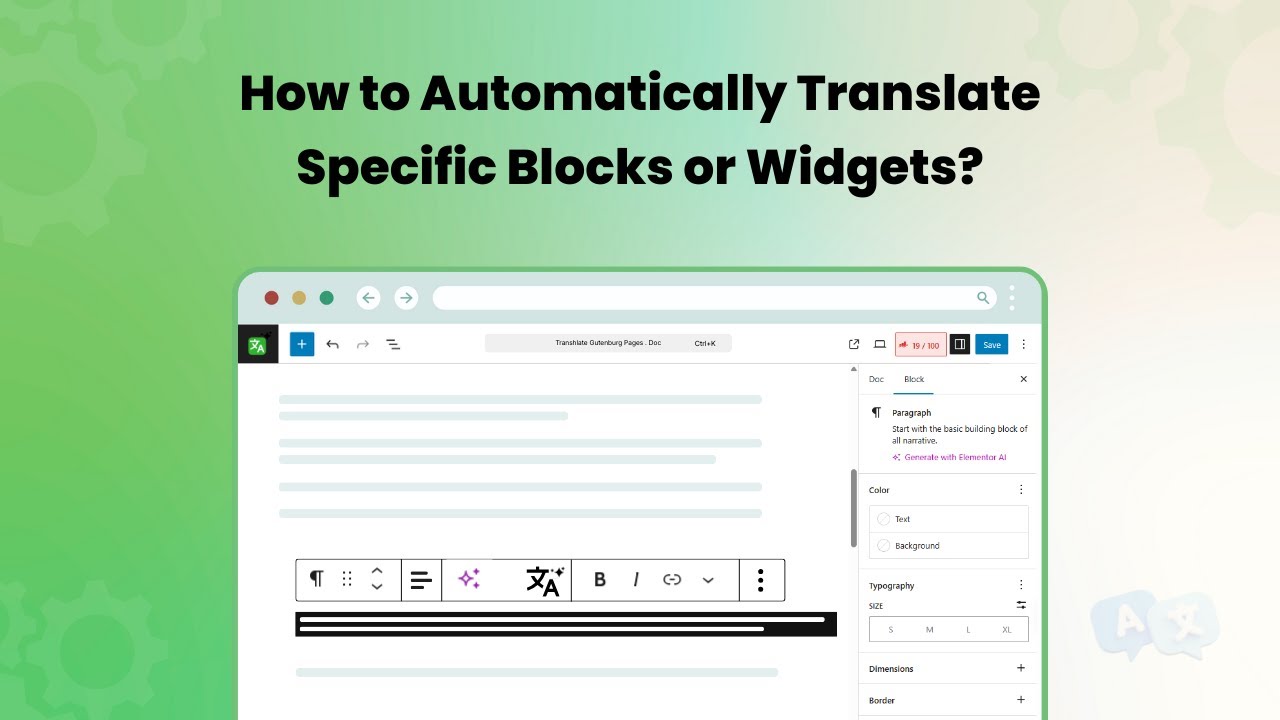
If you want to translate the content of only specific page blocks instead of the entire page content, follow the steps listed below:
- Edit the page whose specific block or widget you want to translate.
- Select the exact text or block you want to translate.
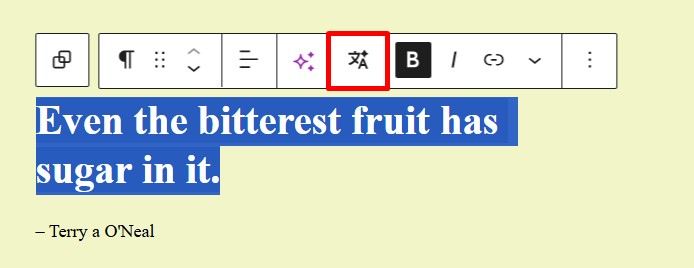
- The Translate button becomes enabled only after you make a text selection.
- Click the Translate button.
- Selected text will be translated into the page’s current language.
- Choose Replace to overwrite the selected text with the translated text, or copy the translated text from the prompt and paste it manually.