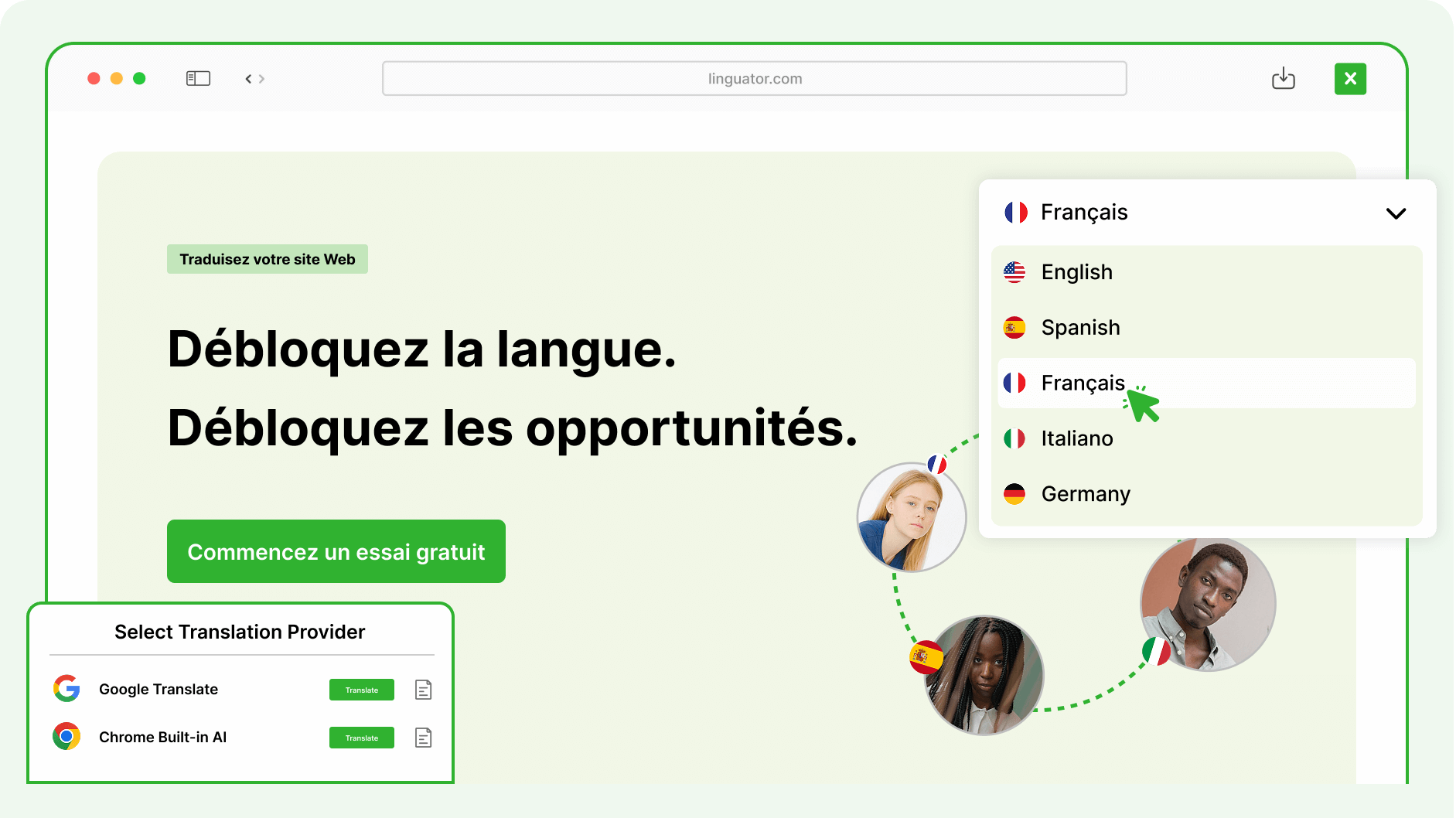









Automatically translate your entire Gutenberg or Elementor pages into multiple languages with just one click — saving time and ensuring global reach!
Features
Explore the advanced tools to translate, organize, and manage multilingual WordPress Website.
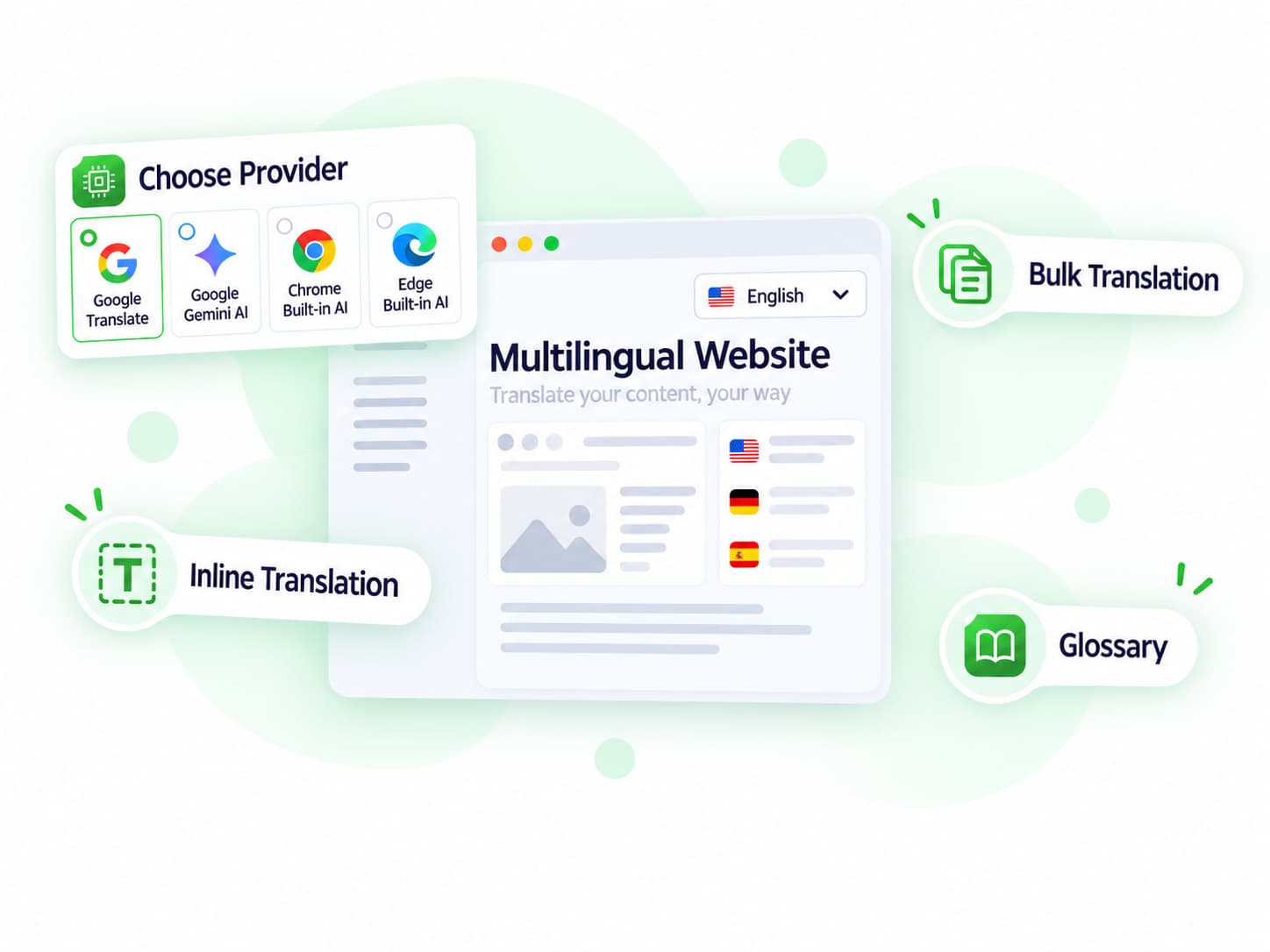
Translate multiple posts, pages, categories, tags, and supported taxonomies together at once.
Translate supported Elementor widgets, templates, and page content without rebuilding the same design for every language.
Manage hreflang, language-specific URLs, translated SEO metadata, canonical handling, and multilingual sitemaps.
Translate supported Gutenberg content while preserving the existing block structure and layout.
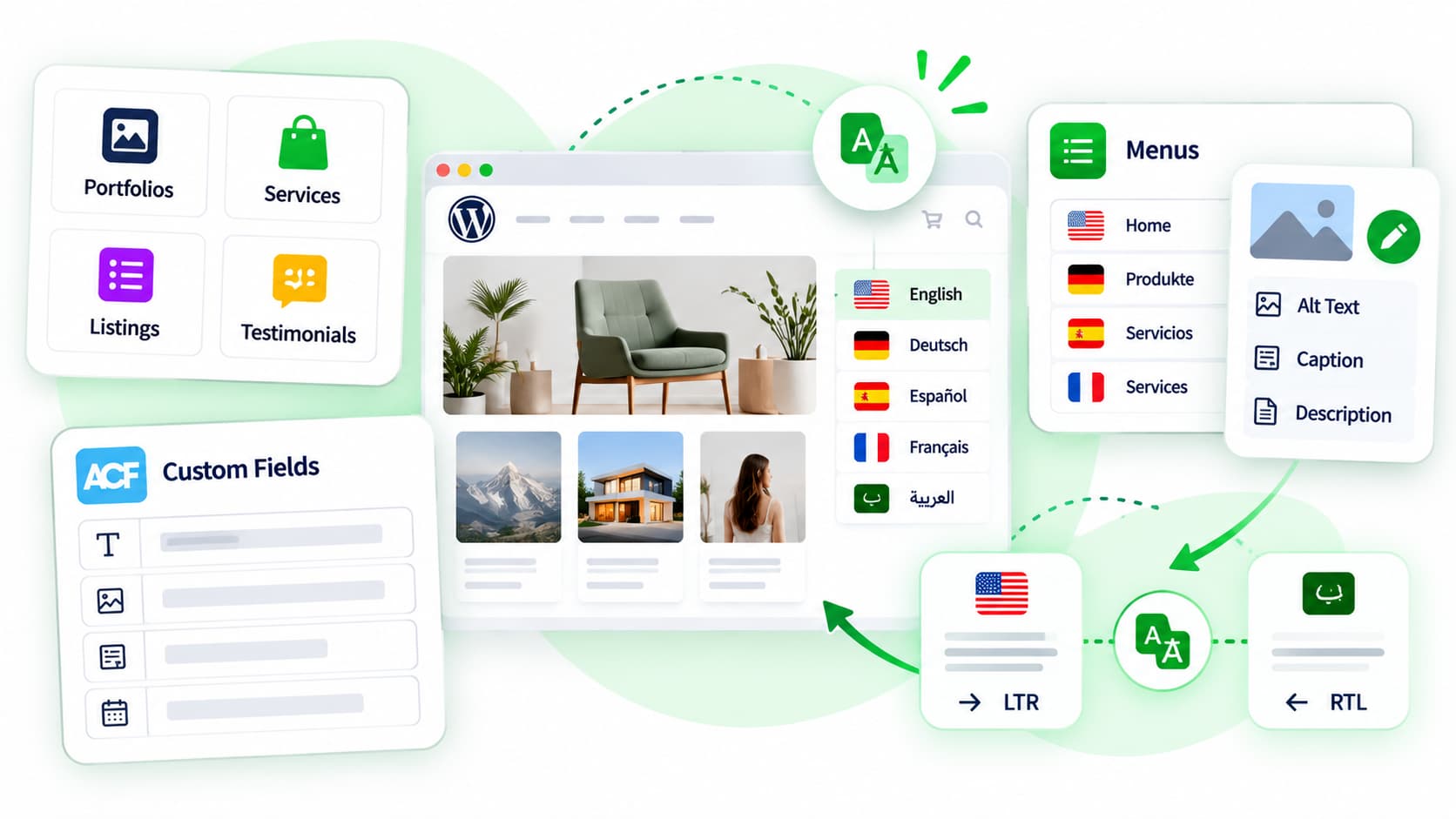
Translate custom post types such as portfolios, listings, services, and other custom WordPress content.
Let visitors switch language versions using a customizable language switcher widget, Gutenberg block, or menu.
Quick Setup
Get your multilingual website ready without rebuilding content.
01
Install Linguator on your WordPress website and start the multilingual setup.
Plugin Activated
Linguator v2.1.10 is active and ready
02
02
Choose the language you want to translate content into.
🇺🇸 EN
🇩🇪 DE
🇫🇷 FR
🇪🇸 ES
+ 96 more
03
03
Choose a supported translation provider and translate individual pages, selected content, or multiple items in bulk.
04
04
Review the generated translation and publish the translated version.
Live in 5 languages
🇺🇸 EN
🇩🇪 DE
🇫🇷 FR
🇪🇸 ES
AI-Powered Translation
Localization
Blogs & Articles
Explore tutorials, practical tips, and guides for translating and managing your multilingual WordPress website.
FAQ
Can’t find the answer you’re looking for? Our support team is ready to help.
Stuck somewhere? Reach out to our helpful team for fast and friendly assistance.
Linguator is a WordPress plugin that helps you translate your entire website into multiple languages using AI. It works directly inside WordPress, allowing you to manage translations for posts, pages, menus, and other content types without relying on external services.
Linguator uses Google Translate or Chrome built-in AI to automatically translate your WordPress content. You can translate entire pages, individual blocks, or multiple posts in bulk with just a few clicks.
Yes. Linguator fully supports Elementor, Gutenberg, and the Classic Editor. You can translate your page layouts, widgets, and content directly within these editors.
Absolutely! Whether you have custom post types like Events, Portfolios, or Products, Linguator allows you to translate all of them.
Yes. Linguator supports RTL languages such as Arabic and Hebrew. It automatically adjusts text direction and layout to ensure proper display.
Yes. You can easily add a language switcher to your menus, sidebars, footers, or use the Elementor widget for flexible placement and design.
There’s no limit. You can add as many languages as you need and manage them all from one place inside your WordPress dashboard.
Manage your preferences. Blocking some cookies may affect site features. You can find more information in our Cookie Policy and Privacy Policy.
Your browser is sending a Global Privacy Control signal, so advertising cookies stay off and that choice cannot be switched on here. Everything else is still yours to decide.
Essential cookies for site functionality, security, and your basic preferences. Always on.
| Cookie | Set by | Kept for |
|---|---|---|
cppb_consent
Stores the visitor's consent decision so the banner is only shown once.
|
CP Cookie Banner | configurable (default 365 days) |
Remember choices you make so the site works the way you expect.
| Cookie | Set by | Kept for |
|---|---|---|
cppt_session
Marks the current browsing session, so that a visit arriving from another website is credited once per session rather than on every page view. Contains no identifier.
|
Cool Plugins — CP Pricing Table | Session |
lmat_language
Remembers the language the visitor chose, so the site opens in it next time.
|
Cool Plugins — Linguator | 1 year |
wp-settings-1
Stores user admin preferences.
|
WordPress core | 1 year |
wp-settings-time-1
Stores timestamp of WordPress admin preference change.
|
WordPress core | 1 year |
Google Analytics and Microsoft Clarity show us how visitors use the site, including recordings of clicks and scrolling, so we can fix what confuses people. Not used for advertising.
| Cookie | Set by | Kept for |
|---|---|---|
_clck
Persistent user identifier for session linking.
|
Microsoft Clarity | 1 year |
_clsk
Connects pageviews into a single session recording.
|
Microsoft Clarity | 1 day |
_ga
Distinguishes unique users.
|
Google Analytics | 2 years |
_ga_942V83ZG8Q
Persists session state per GA4 property.
|
Google Analytics 4 | 2 years |
Used to deliver and measure ads on this site and across the web.
| Cookie | Set by | Kept for |
|---|---|---|
_fbp
Identifies browsers for ad delivery and site analytics.
|
Meta (Facebook) Pixel | 90 days |
_gcl_au
Stores conversion linker information for Google Ads.
|
Google Ads | 90 days |
_rdt_uuid
Unique visitor identifier for Reddit ad attribution.
|
Reddit Pixel | 3 months |
_twpid
Identifies the browser to X so ad conversions can be attributed.
|
X (Twitter) Pixel | Session |
_twsid
Session identifier used by the X conversion pixel.
|
X (Twitter) Pixel | Session |