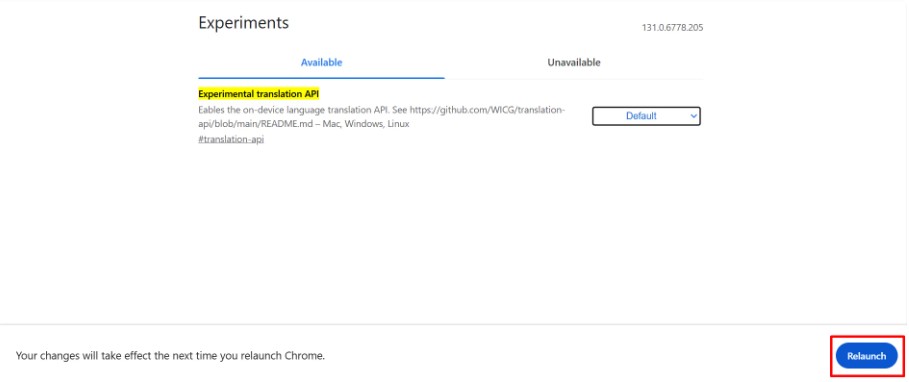


To use AI translation with Chrome’s built-in AI, you need to enable the Translation API and install the required language packs.
Follow the steps below to set up Chrome for on-device translation.
Enable Experimental API Translations
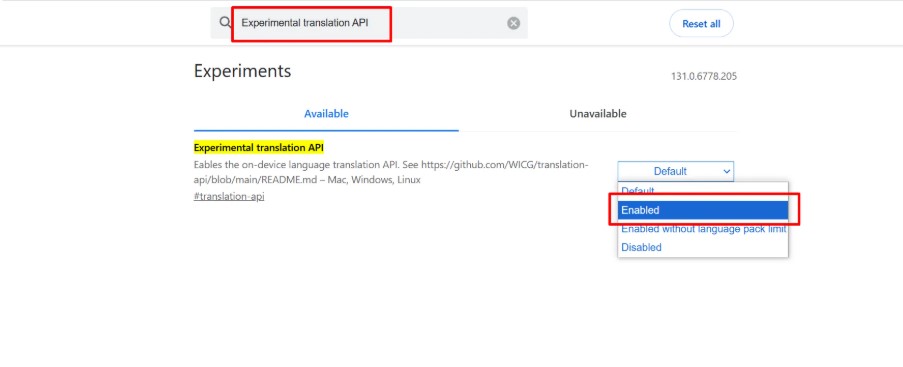
- Visit chrome://flags/ in your Chrome browser.
- Search for “Experimental translation API” in the search bar.
- Enable experimental translation API option.
Install Language Pack
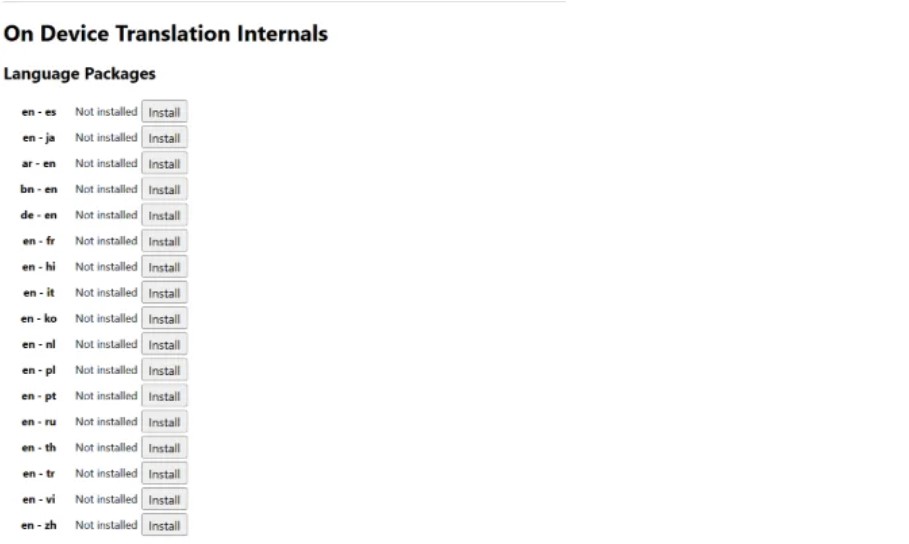
- Visit chrome://on-device-translation-internals/ in your Chrome browser.
- Install the required language pack for translation.
Restart Chrome
- After enabling the translation API option and installing the language packs, restart your Chrome browser to apply the changes.