


The Bulk Translation feature in the Linguator plugin allows you to automatically translate your existing WordPress content, such as pages, posts, and custom post types, all at once using AI.
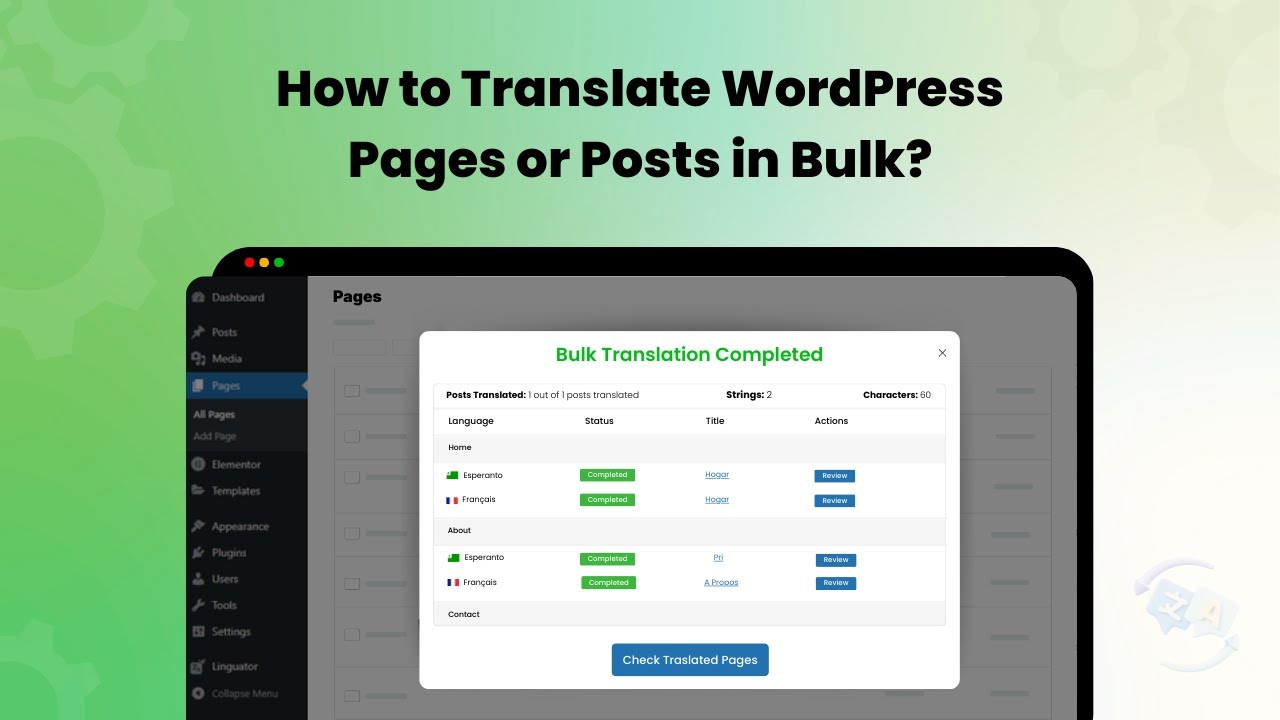
Translate Multiple Posts or Pages
Follow these simple steps to translate multiple pages/posts at once:
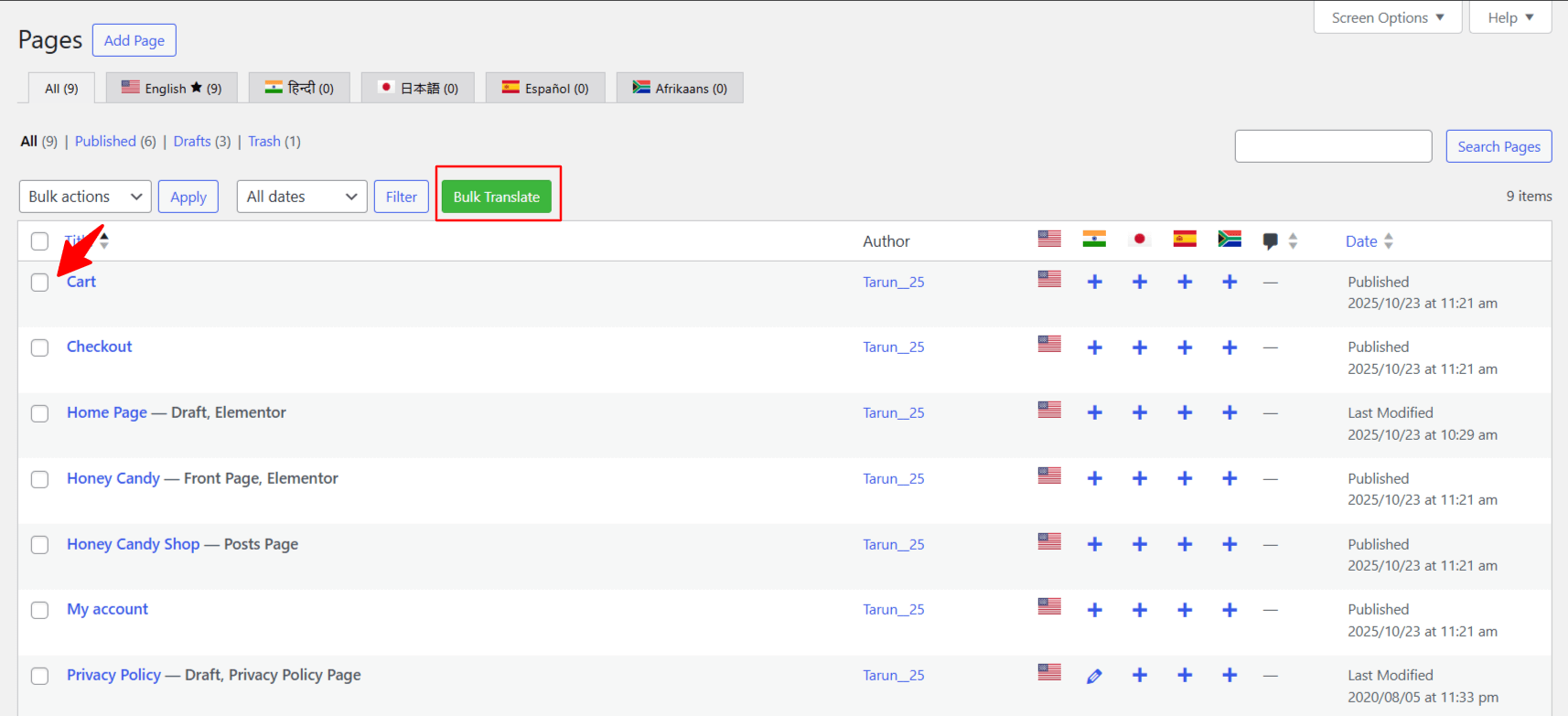
- Go to WordPress Dashboard > Pages. Use the checkboxes to select one or more pages you wish to translate
- Click the “Bulk Translate” button. Once selected, click the Bulk Translate button at the top.
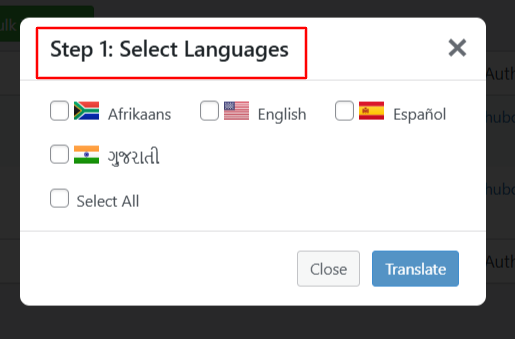
- A pop-up will appear, select the language you want to translate your content into.
- Choose your preferred AI translation service (e.g., Chrome AI, Google Translate, or Gemini AI (Available in WP 7.0)).
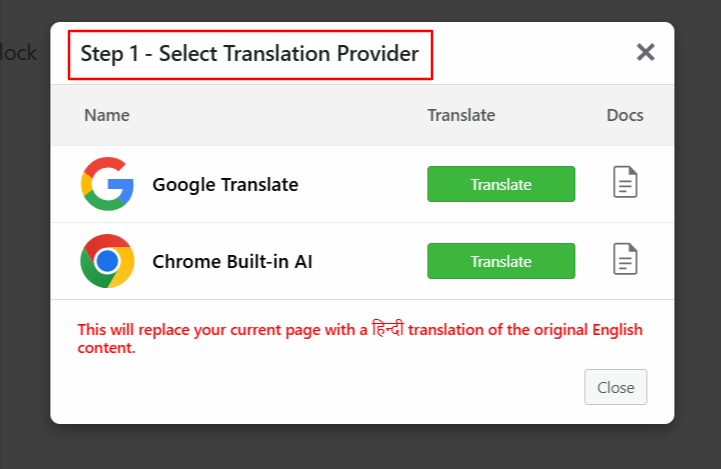
- The translation process will begin automatically.
- After the process is complete, you can check the translated versions of the selected pages.