Intelligente Übersetzung
Übersetzen Sie einzelne Texte, Blöcke oder unterstützte Widget-Inhalte direkt in Ihrem WordPress-Editor, ohne die gesamte Seite zu verarbeiten oder Ihre bestehenden Inhalte neu aufzubauen.
Texte, Überschriften und Buttons
Pro Auswahl
Präzise und gezielte Übersetzung
Gutenberg, Elementor und Classic Editor
Funktionen
Sofortige Übersetzung
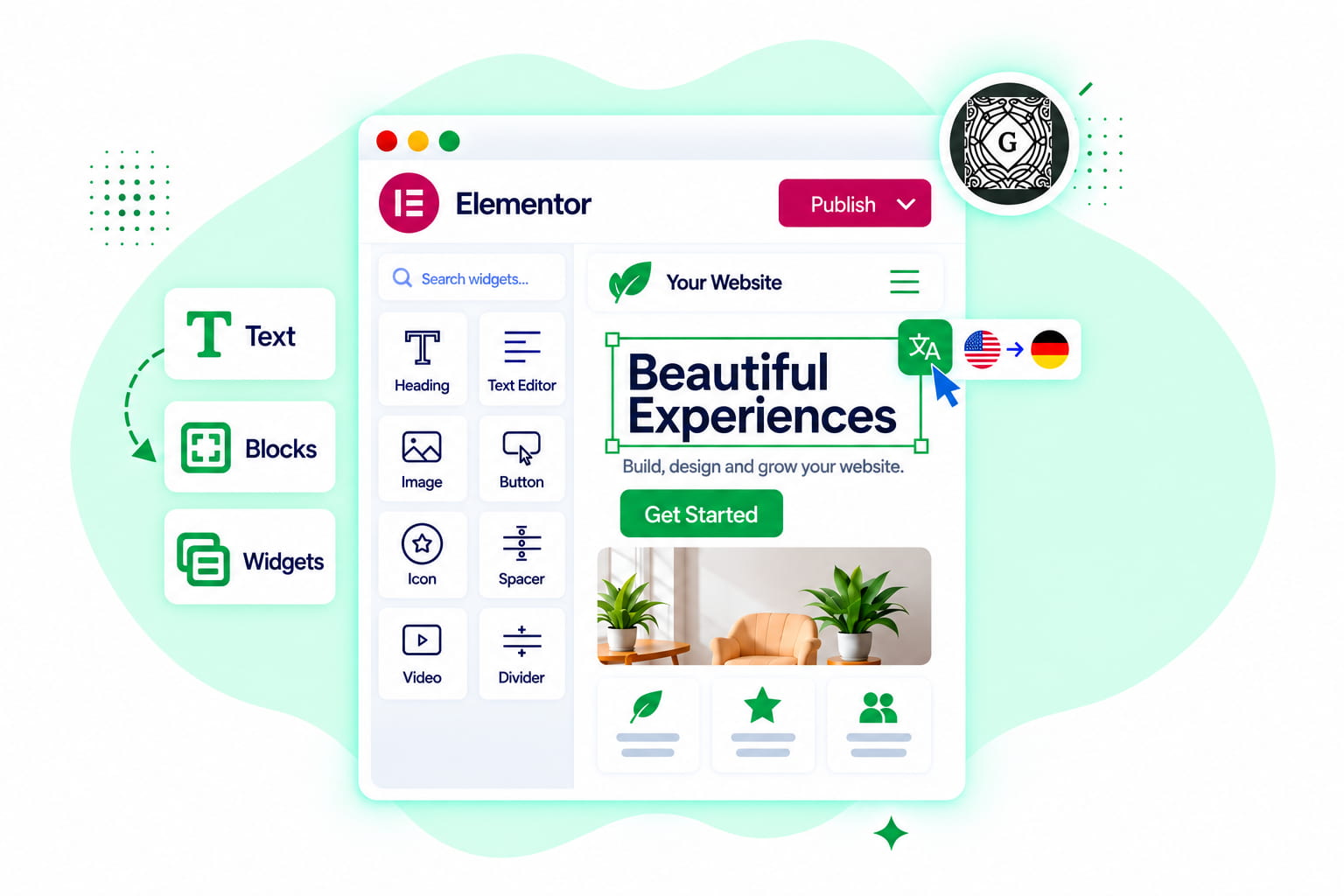
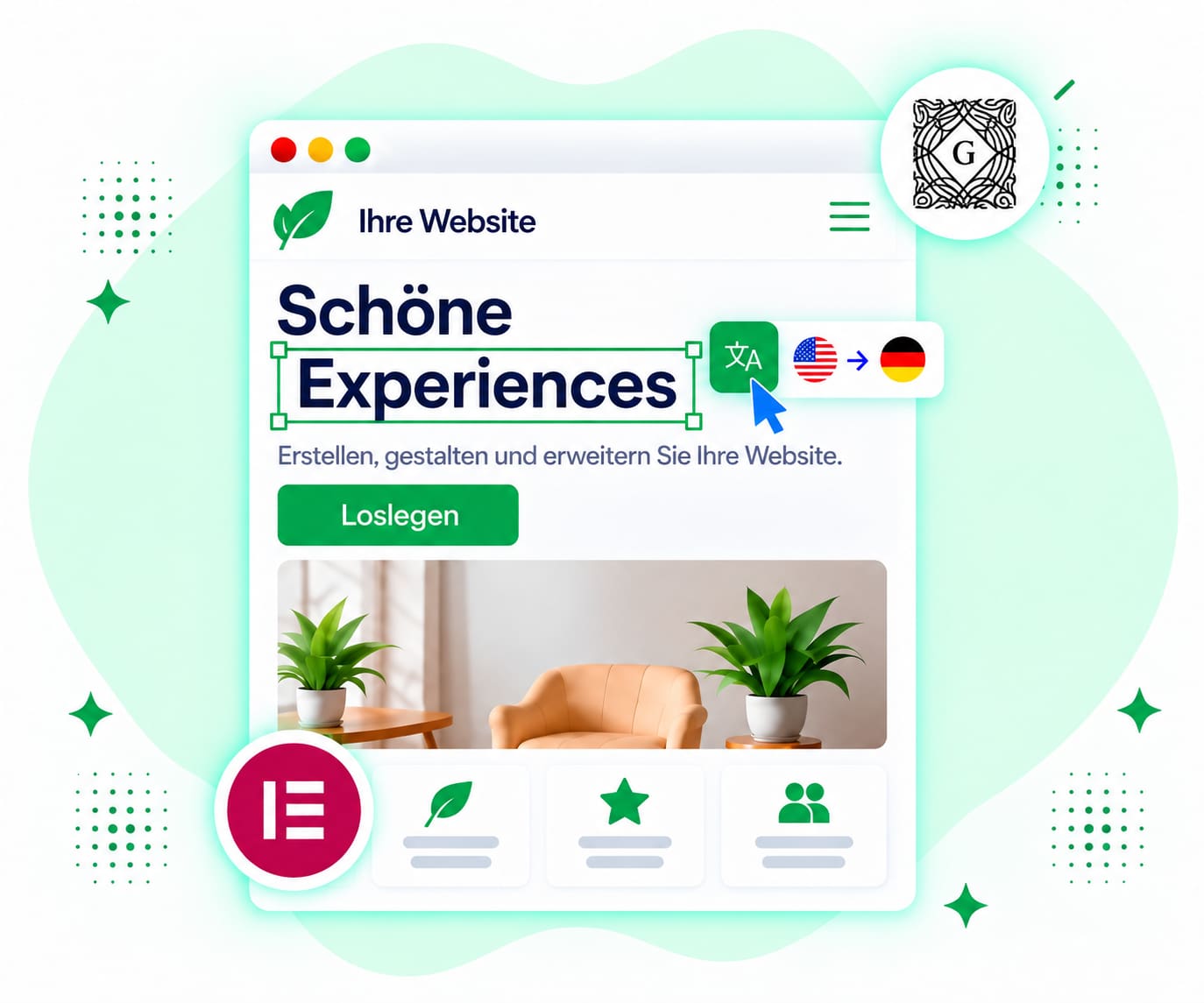
Direkte Bearbeitung
Linguator bietet mehr als Inline-Übersetzung. Entdecken Sie weitere Tools, mit denen Sie ganze Seiten und Beiträge übersetzen und eine mehrsprachige WordPress-Website erstellen können.
Übersetzen Sie mehrere Beiträge, Seiten, Kategorien, Schlagwörter und unterstützte Taxonomien auf einmal statt einzeln.
Übersetzen Sie unterstützte Gutenberg-Blöcke und behalten Sie dabei Ihre bestehende WordPress-Blockstruktur und Ihr Layout bei.
Erstellen Sie mit Gemini AI kontextbezogene Übersetzungen, die Bedeutung, Ton und Aussage Ihrer Inhalte besser bewahren.
Erstellen Sie sprachspezifische URLs und helfen Sie Suchmaschinen mit Hreflang und Unterstützung für mehrsprachige SEO, übersetzte Inhalte richtig einzuordnen.
Übersetzen Sie Kategorien, Schlagwörter und unterstützte benutzerdefinierte Taxonomien, damit Ihre mehrsprachigen Inhalte über alle Sprachen hinweg übersichtlich bleiben.
Übersetzen Sie WordPress-Menüs und Medienangaben für jede Sprache, einschließlich Navigationsbeschriftungen, Bildtiteln, Bildunterschriften, Alternativtexten und Beschreibungen.

 Genau das habe ich gebraucht! Zum Glück gibt es so ein Plugin – einige Beschriftungen auf der Website mussten übersetzt werden. Klasse! Vielen Dank an die Entwickler des Plugins!
 Ich nutze es meistens, wenn ich nur einen Abschnitt der Seite ändern muss. Das ist viel einfacher, als die ganze Seite erneut zu übersetzen.
 Zeichenfolgen von Byddyboss / Buddypress in Sekundenschnelle übersetzt. Nachdem ich Stunden damit verbracht hatte, andere Plugins herunterzuladen und das Rad neu zu erfinden! Vielen herzlichen Dank ☺️
 Das ist für mich wahrscheinlich eine der nützlichsten Funktionen. Wenn etwas nicht richtig übersetzt wurde, kann ich einfach die betreffende Stelle korrigieren.
 Das ist bisher das einzige (kostenlose) Übersetzungs-Plugin, das Massenübersetzungen einschließlich Woo-Produkten ermöglicht und ziemlich gut funktioniert. Wirklich tolle Arbeit und eine Zeitersparnis!
 Einfach und schnell: Inhalt auswählen, übersetzen – fertig.

FAQ
Sie finden nicht die passende Antwort? Unser Support-Team hilft Ihnen gern weiter.

Sie kommen nicht weiter? Unser hilfsbereites Team unterstützt Sie schnell und freundlich.
Mit dem Inline-Übersetzungseditor von Linguator können Sie einzelne Inhalte direkt im WordPress-Editor übersetzen, ohne die gesamte Seite zu übersetzen. Das ist nützlich für kleinere Änderungen und einzelne mehrsprachige Inhalte.
Linguator bietet Integrationen für die Inline-Übersetzung in Gutenberg, Elementor und dem Classic Editor.
Ja. Linguator ergänzt unterstützte textbasierte Felder in Elementor um Steuerelemente für die Inline-Übersetzung. Dazu gehören unterstützte Textfelder, mehrzeilige Textfelder und WYSIWYG-Inhalte.
Nein. Die Inline-Übersetzung ist dafür gedacht, gezielt unterstützte Inhalte zu übersetzen, ohne eine vollständige Seitenübersetzung auszuführen.
Ja. Im Fenster für die Inline-Übersetzung gibt es eine Kopieroption. Damit können Sie das Übersetzungsergebnis kopieren, ohne es in das aktuelle Feld zu übernehmen.
Die Inline-Übersetzung bearbeitet den ausgewählten Textinhalt, statt die Seitenstruktur neu aufzubauen. Das umgebende Layout und andere, nicht betroffene Inhalte bleiben unverändert.
Manage your preferences. Blocking some cookies may affect site features. You can find more information in our Cookie Policy and Privacy Policy.
Your browser is sending a Global Privacy Control signal, so advertising cookies stay off and that choice cannot be switched on here. Everything else is still yours to decide.
Essential cookies for site functionality, security, and your basic preferences. Always on.
| Cookie | Set by | Kept for |
|---|---|---|
cppb_consent
Stores the visitor's consent decision so the banner is only shown once.
|
CP Cookie Banner | configurable (default 365 days) |
Remember choices you make so the site works the way you expect.
| Cookie | Set by | Kept for |
|---|---|---|
cppt_banner_dismissed
Remembers that you closed the sale banner, so it stays closed on the other pages you visit and in other tabs. Cleared when you close your browser. Contains only the name of the sale it applies to, and no identifier.
|
Cool Plugins — CP Pricing Table | Session |
cppt_buy_started
Remembers that you went to checkout during the current sale, so the prices on the page you left do not change behind you while you pay. Cleared when you close your browser. Contains only the name of the sale and which price was showing, and no identifier.
|
Cool Plugins — CP Pricing Table | Session |
cppt_offer
Remembers which sale offer you were shown during this visit, and whether its discount was applied, so the prices stay the same each time you reload a page instead of changing. Cleared when you close your browser. Contains no identifier.
|
Cool Plugins — CP Pricing Table | Session |
cppt_session
Marks the current browsing session, so that a visit arriving from another website is credited once per session rather than on every page view. Contains no identifier.
|
Cool Plugins — CP Pricing Table | Session |
lmat_language
Remembers the language the visitor chose, so the site opens in it next time.
|
Cool Plugins — Linguator | 1 year |
wp-settings-1
Stores user admin preferences.
|
WordPress core | 1 year |
wp-settings-time-1
Stores timestamp of WordPress admin preference change.
|
WordPress core | 1 year |
Google Analytics and Microsoft Clarity show us how visitors use the site, including recordings of clicks and scrolling, so we can fix what confuses people. Not used for advertising.
| Cookie | Set by | Kept for |
|---|---|---|
_clck
Persistent user identifier for session linking.
|
Microsoft Clarity | 1 year |
_clsk
Connects pageviews into a single session recording.
|
Microsoft Clarity | 1 day |
_ga
Distinguishes unique users.
|
Google Analytics | 2 years |
_ga_942V83ZG8Q
Persists session state per GA4 property.
|
Google Analytics 4 | 2 years |
Used to deliver and measure ads on this site and across the web.
| Cookie | Set by | Kept for |
|---|---|---|
_fbp
Identifies browsers for ad delivery and site analytics.
|
Meta (Facebook) Pixel | 90 days |
_gcl_au
Stores conversion linker information for Google Ads.
|
Google Ads | 90 days |
_rdt_uuid
Unique visitor identifier for Reddit ad attribution.
|
Reddit Pixel | 3 months |
_twpid
Identifies the browser to X so ad conversions can be attributed.
|
X (Twitter) Pixel | Session |
_twsid
Session identifier used by the X conversion pixel.
|
X (Twitter) Pixel | Session |