Traducción inteligente
Traduce textos concretos, bloques o contenido de widgets compatibles directamente en tu editor de WordPress, sin procesar toda la página ni reconstruir el contenido existente.
Texto, encabezados y botones
Por selección
Traducción precisa y selectiva
Gutenberg, Elementor y Classic Editor
Funciones
Traducción instantánea
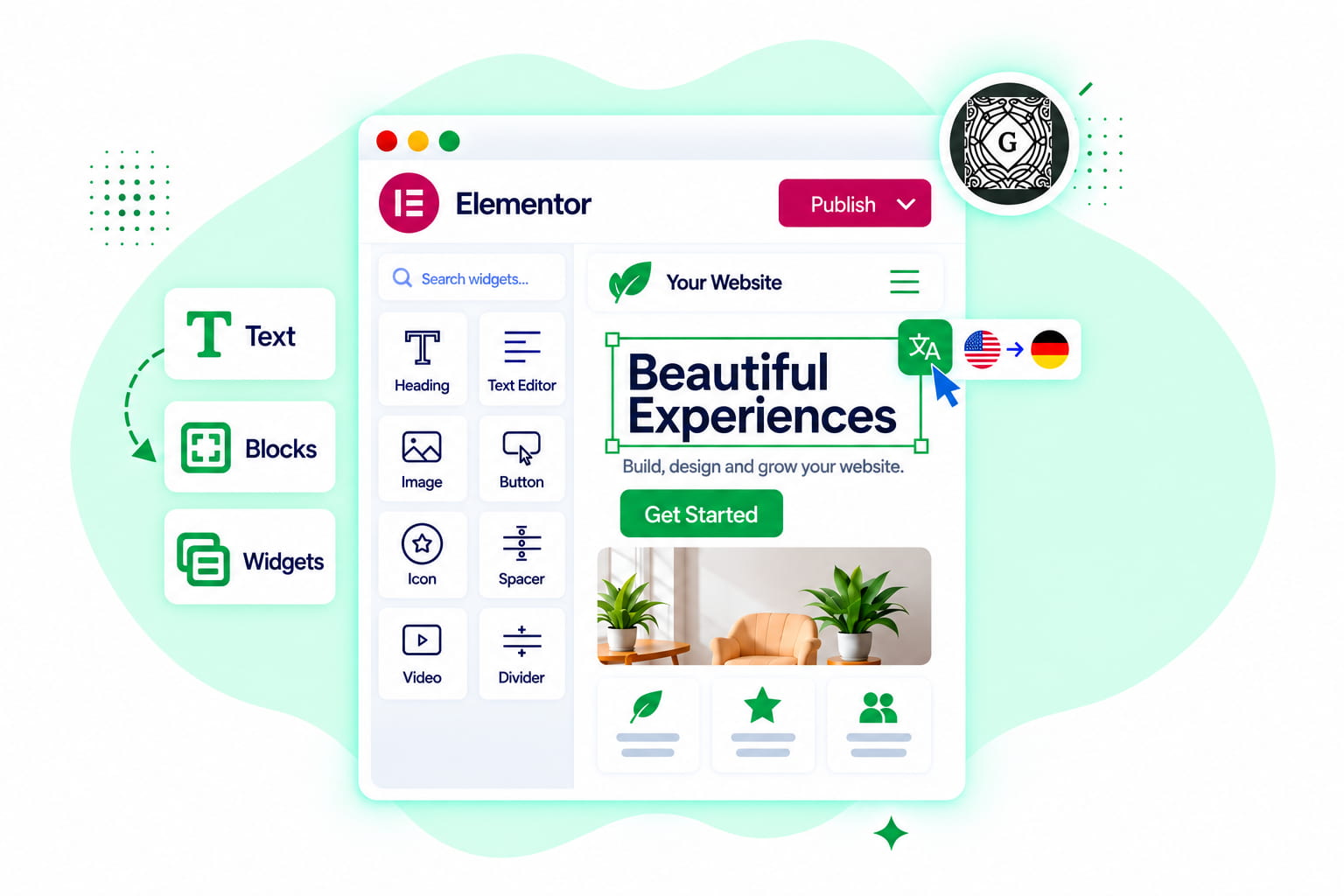
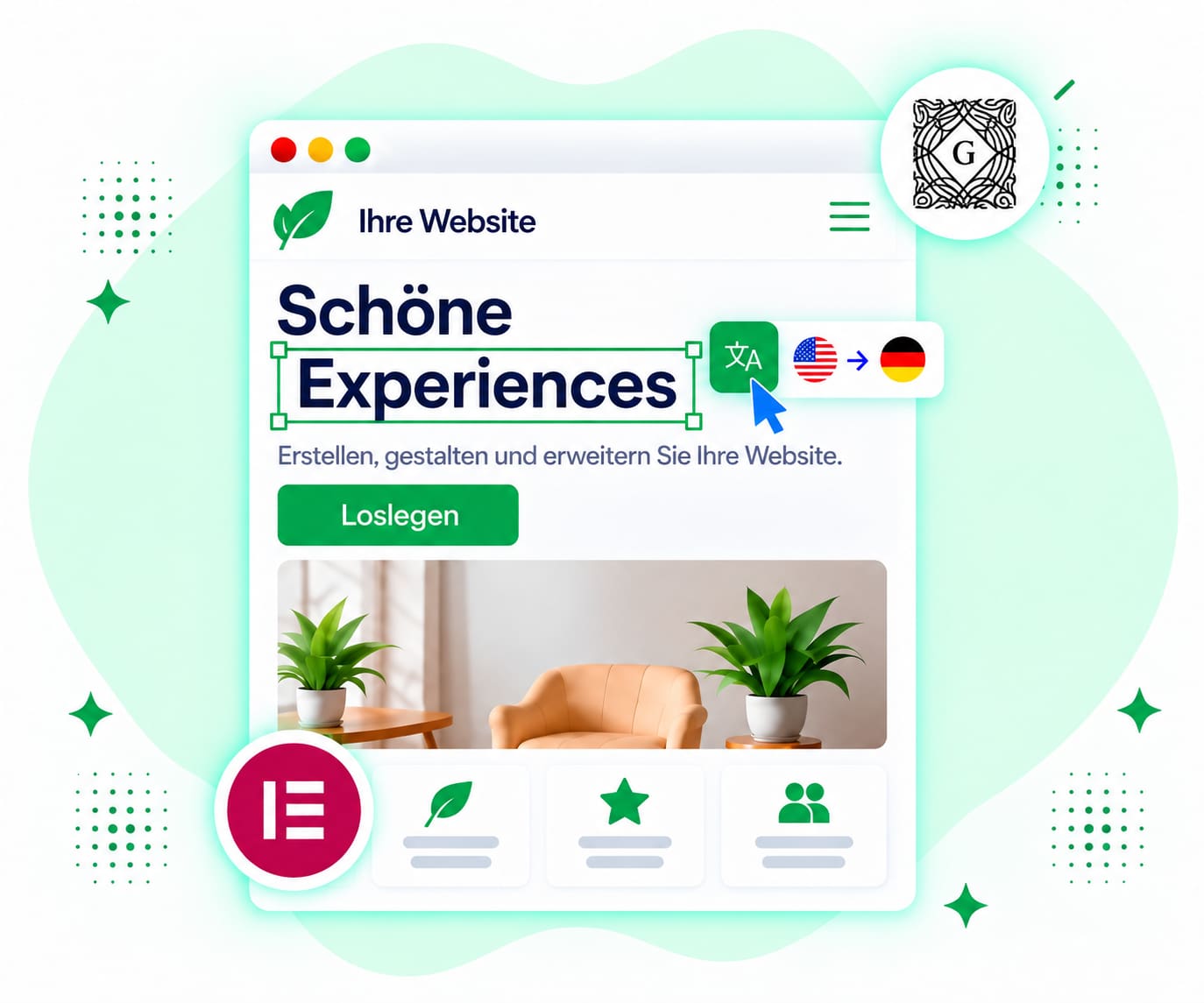
Edición en línea
Linguator va más allá de Inline Translation. Descubre más herramientas para traducir páginas y entradas completas, y crear un sitio web multilingüe con WordPress.
Traduce varias entradas, páginas, categorías, etiquetas y taxonomías compatibles de forma masiva, en lugar de hacerlo una por una.
Traduce los bloques compatibles de Gutenberg conservando la estructura y el diseño de tus bloques de WordPress.
Utiliza Gemini AI para generar traducciones que tienen en cuenta el contexto y conservan mejor el significado, el tono y la intención de tu contenido.
Crea URL específicas para cada idioma y ayuda a los motores de búsqueda a comprender el contenido traducido gracias a la compatibilidad con hreflang y el SEO multilingüe.
Traduce categorías, etiquetas y taxonomías personalizadas compatibles para mantener tu contenido multilingüe organizado en todos los idiomas.
Traduce los menús de WordPress y los detalles de los medios para cada idioma, incluidos los textos de navegación, los títulos de las imágenes, las leyendas, el texto alternativo y las descripciones.

 ¡Esto es lo que necesitaba! Tuve la suerte de que existiera un plugin así: tenía que traducir varias etiquetas de la parte pública de la web. ¡Genial! ¡Gracias a los creadores del plugin!
 Lo uso sobre todo cuando necesito cambiar solo una sección de la página; es mucho más fácil que volver a traducir la página entera.
 Tradujo eficazmente las cadenas de Byddyboss / Buddypress en un segundo. ¡Después de pasar horas descargando otros plugins e intentando reinventar la rueda! Muchísimas gracias ☺️
 Esta es probablemente una de las funciones que más útiles me resultan. Cuando algo no está bien traducido, puedo corregir solo esa parte.
 Hasta ahora, este es el único plugin de traducción (gratuito) que permite traducir en bloque, incluidos los productos de Woo, y funciona bastante bien. ¡Un trabajo estupendo que ahorra mucho tiempo!
 Sencillo y rápido: seleccionas el contenido, lo traduces y listo.

Preguntas frecuentes
¿No encuentras la respuesta que buscas? Nuestro equipo de soporte está listo para ayudarte.

¿Te has atascado en algún paso? Contacta con nuestro equipo para recibir ayuda rápida y cercana.
El editor de Inline Translation de Linguator te permite traducir contenido específico directamente en tu editor de WordPress sin traducir toda la página. Es útil para pequeños cambios y fragmentos individuales de contenido multilingüe.
Linguator incluye integraciones de Inline Translation para Gutenberg, Elementor y Classic Editor.
Sí. Linguator añade controles de Inline Translation a los campos de texto compatibles de Elementor, incluidos los campos de texto, las áreas de texto y el contenido WYSIWYG compatibles.
No. El objetivo de Inline Translation es trabajar con contenido específico compatible sin traducir toda la página.
Sí. La ventana de Inline Translation incluye la opción Copiar, que te permite copiar el resultado traducido sin aplicarlo al campo actual.
Inline Translation trabaja con el contenido de texto seleccionado en lugar de reconstruir la estructura de la página. El diseño que lo rodea y el resto del contenido permanecen sin cambios.
Manage your preferences. Blocking some cookies may affect site features. You can find more information in our Cookie Policy and Privacy Policy.
Your browser is sending a Global Privacy Control signal, so advertising cookies stay off and that choice cannot be switched on here. Everything else is still yours to decide.
Essential cookies for site functionality, security, and your basic preferences. Always on.
| Cookie | Set by | Kept for |
|---|---|---|
cppb_consent
Stores the visitor's consent decision so the banner is only shown once.
|
CP Cookie Banner | configurable (default 365 days) |
Remember choices you make so the site works the way you expect.
| Cookie | Set by | Kept for |
|---|---|---|
cppt_banner_dismissed
Remembers that you closed the sale banner, so it stays closed on the other pages you visit and in other tabs. Cleared when you close your browser. Contains only the name of the sale it applies to, and no identifier.
|
Cool Plugins — CP Pricing Table | Session |
cppt_buy_started
Remembers that you went to checkout during the current sale, so the prices on the page you left do not change behind you while you pay. Cleared when you close your browser. Contains only the name of the sale and which price was showing, and no identifier.
|
Cool Plugins — CP Pricing Table | Session |
cppt_offer
Remembers which sale offer you were shown during this visit, and whether its discount was applied, so the prices stay the same each time you reload a page instead of changing. Cleared when you close your browser. Contains no identifier.
|
Cool Plugins — CP Pricing Table | Session |
cppt_session
Marks the current browsing session, so that a visit arriving from another website is credited once per session rather than on every page view. Contains no identifier.
|
Cool Plugins — CP Pricing Table | Session |
lmat_language
Remembers the language the visitor chose, so the site opens in it next time.
|
Cool Plugins — Linguator | 1 year |
wp-settings-1
Stores user admin preferences.
|
WordPress core | 1 year |
wp-settings-time-1
Stores timestamp of WordPress admin preference change.
|
WordPress core | 1 year |
Google Analytics and Microsoft Clarity show us how visitors use the site, including recordings of clicks and scrolling, so we can fix what confuses people. Not used for advertising.
| Cookie | Set by | Kept for |
|---|---|---|
_clck
Persistent user identifier for session linking.
|
Microsoft Clarity | 1 year |
_clsk
Connects pageviews into a single session recording.
|
Microsoft Clarity | 1 day |
_ga
Distinguishes unique users.
|
Google Analytics | 2 years |
_ga_942V83ZG8Q
Persists session state per GA4 property.
|
Google Analytics 4 | 2 years |
Used to deliver and measure ads on this site and across the web.
| Cookie | Set by | Kept for |
|---|---|---|
_fbp
Identifies browsers for ad delivery and site analytics.
|
Meta (Facebook) Pixel | 90 days |
_gcl_au
Stores conversion linker information for Google Ads.
|
Google Ads | 90 days |
_rdt_uuid
Unique visitor identifier for Reddit ad attribution.
|
Reddit Pixel | 3 months |
_twpid
Identifies the browser to X so ad conversions can be attributed.
|
X (Twitter) Pixel | Session |
_twsid
Session identifier used by the X conversion pixel.
|
X (Twitter) Pixel | Session |