Skip to content
Learn how to translate Gutenberg blocks in WordPress using Linguator for multilingual websites efficiently.
Choose between manual and automatic translation methods based on your website’s content needs.
Translate third-party Gutenberg blocks by configuring supported blocks through Linguator settings.
Review translated content, formatting, links, and layouts before publishing multilingual Gutenberg pages.
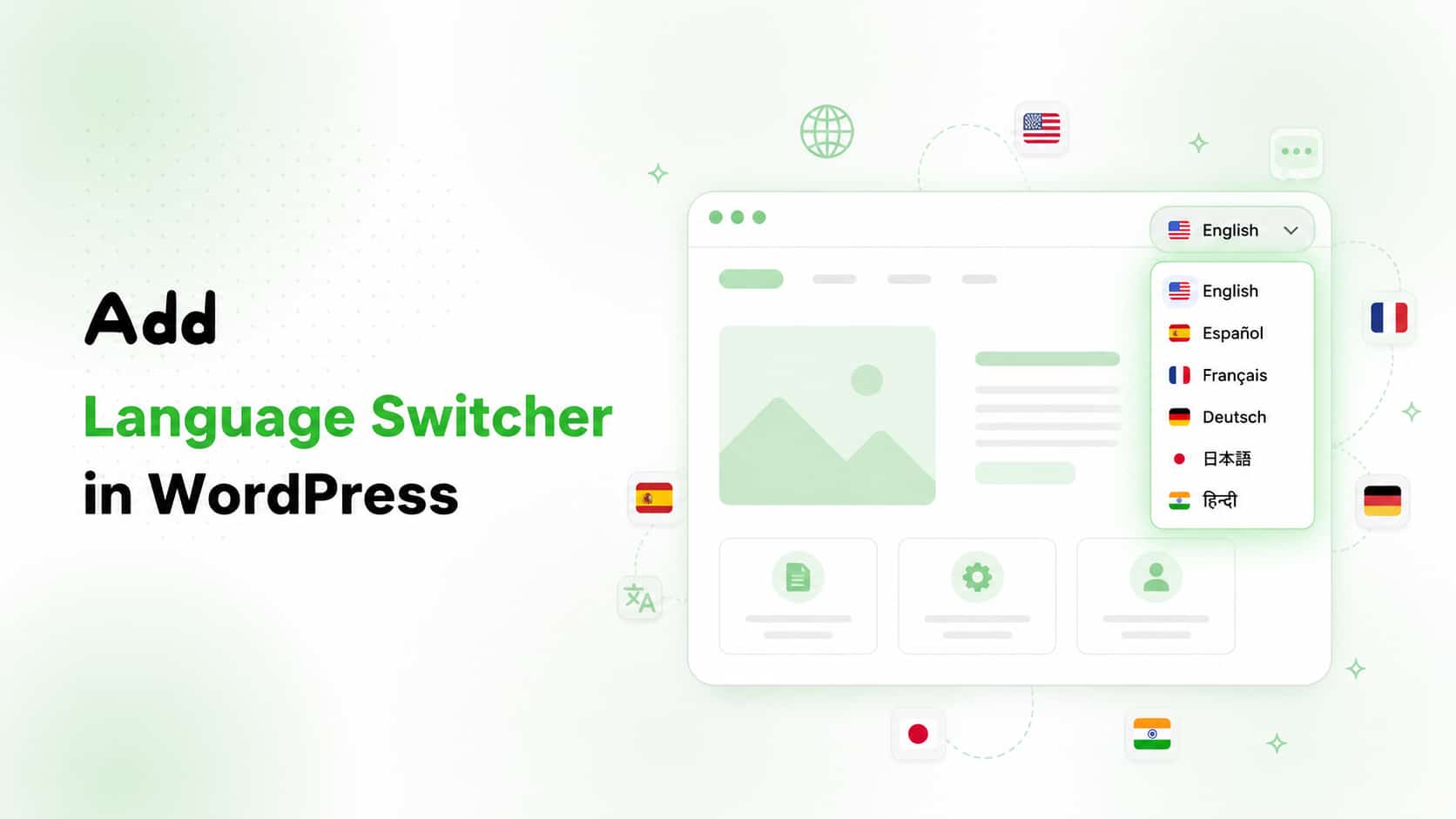
Learn what a WordPress language switcher is and why every multilingual website should include one for visitors.
Follow simple step-by-step instructions to add and customize a language switcher using the Linguator plugin easily.
Improve user experience, global SEO, and visitor engagement by offering content in multiple supported languages seamlessly.
Discover best practices and avoid common mistakes when setting up a language switcher on your WordPress website.
Manually translating an Elementor website is time-consuming, and some automatic translation tools break layouts or fail to translate all content correctly.
Linguator AI automatically translates Elementor pages while preserving layouts, styling, widgets, images, and the overall user experience.
Choose from Google Translate, Gemini AI, or Chrome’s built-in AI to translate pages, posts, media, menus, categories, metadata, and custom post types.
Translating website content alone is not enough; every language version also requires proper multilingual SEO optimization.
Verify language URLs, hreflang, canonical tags, sitemaps, and indexing to help search engines understand translations correctly.
Configure SEO titles, meta descriptions, and keywords separately for each language instead of directly translating English SEO.
Protect brand names with glossary rules and ensure translated pages maintain fast loading speeds for better rankings.
Following this multilingual SEO checklist improves indexing, search visibility, and delivers the correct language to users.
Polylang and TranslatePress are popular WordPress multilingual plugins, but they use different translation workflows and features.
Polylang creates separate language versions, offering structured manual translations with excellent multilingual SEO and performance.
TranslatePress provides visual front-end editing, making website translation faster, simpler, and beginner-friendly with automatic translation support.
Both plugins support multilingual SEO, separate language URLs, free versions, and premium plans with advanced capabilities.
Choose Polylang for structured manual management, or TranslatePress for visual, automatic translations and greater ease of use.
Polylang mainly relies on manual translations, while Linguator offers built-in AI-powered automatic website translation.
Linguator supports unlimited languages, bulk translation, and multilingual management without requiring additional translation plugins.
Unlike Polylang, Linguator fully supports Elementor, Gutenberg, and includes a built-in language switcher.
Linguator translates pages, posts, menus, taxonomies, custom post types, images, and SEO metadata effortlessly.
With SEO-friendly URLs, RTL support, and manual editing options, Linguator simplifies multilingual WordPress website management.
ChatGPT, Chrome AI, Gemini AI, and DeepL provide high-quality translations, but their accuracy and strengths differ.
Translation accuracy preserves meaning, tone, and intent, preventing errors that can damage credibility and user trust.
DeepL offers the highest translation accuracy, especially for professional, technical, and European language content.
ChatGPT excels in context and tone, Chrome AI provides fast local translations, while Gemini suits dynamic workflows.
Choose the AI translator based on accuracy, speed, context, and website translation requirements instead of one feature.
Google Translate supports more languages, while Yandex Translate delivers stronger translations for Russian and nearby regional languages.
Google Translate integrates seamlessly with WordPress, whereas Yandex requires more manual setup and fewer plugin options.
Both translators provide fast performance, but Google offers greater global reliability and infrastructure for international websites.
Google suits multilingual global websites, while Yandex is ideal for Russian-focused audiences with cost-effective API access.
Choose the translator based on language coverage, translation quality, WordPress integration, pricing, and target audience.
Linguator bulk translates WordPress pages, posts, categories, and taxonomies using AI, eliminating repetitive manual translation work.
Select multiple pages or posts, choose a language and AI translator, then start bulk translation instantly.
Bulk translation also supports categories and taxonomies, making multilingual website management faster and more efficient.
Compatible with AI translators like Chrome AI and Google Translate for quick, accurate website-wide translations.
Linguator simplifies multilingual WordPress workflows by translating large amounts of content with just a few clicks.
Polylang and WPML create multilingual WordPress websites but rely heavily on manual translation and additional setup.
WPML offers advanced features, while Polylang provides flexibility, yet both have limitations for growing websites.
Linguator delivers AI-powered automatic translation with unlimited languages, reducing manual work and ongoing translation costs.
Supports Elementor, Gutenberg, bulk translation, custom post types, taxonomies, and built-in multilingual language switchers.
Linguator combines SEO-friendly URLs, browser language detection, RTL support, and manual editing in one plugin.