If you translate your WordPress website into other languages, you may think the job is done once the text is translated.
But this is not true.
Every translated page also needs a proper SEO setup.
This includes translating SEO elements such as page titles, meta descriptions, URLs, and other technical signals.

If these SEO details are missing or configured incorrectly, search engines may not understand them. This can lead to lower rankings, lost traffic, or the wrong language showing in search results.
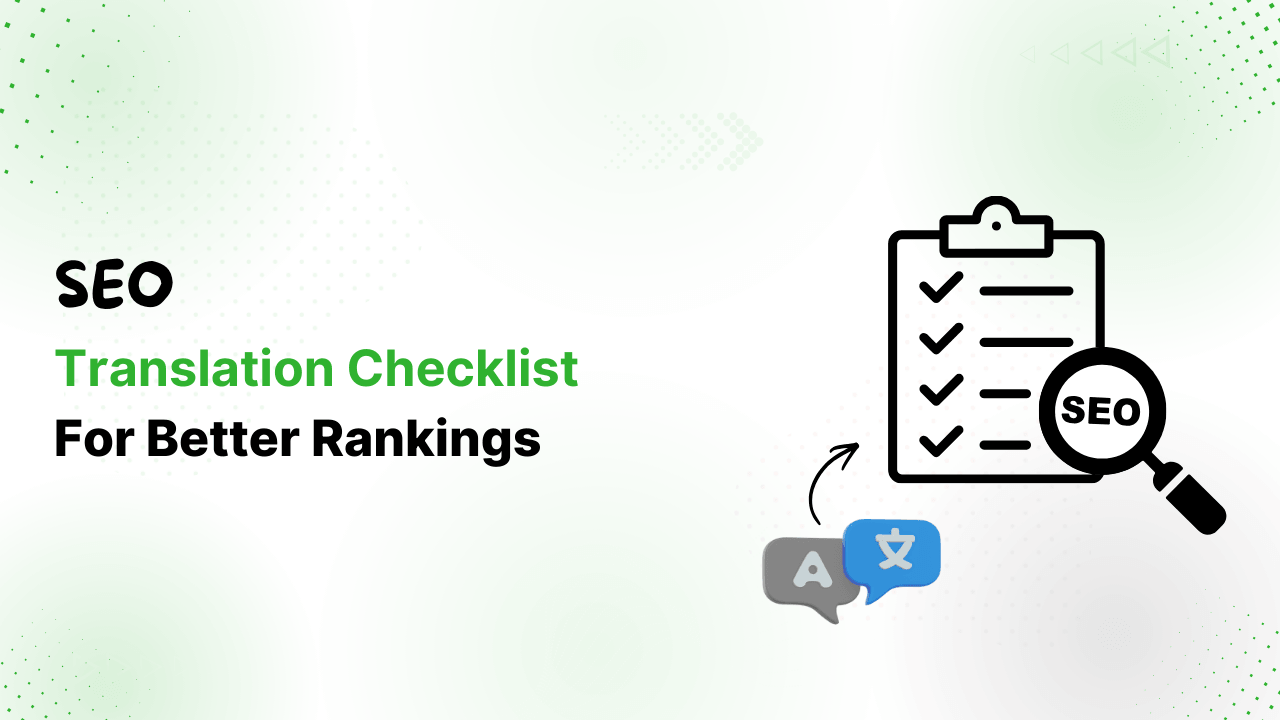
To prevent these problems, you need to follow a structured SEO translation checklist.
This guide explains the essential checks you must complete to ensure search engines correctly index, understand, and rank each language version of your website.
Why Translate a Website’s SEO?
When you translate your website, search engines do not see it as one site anymore.
They see separate versions of the same content for different audiences.
For example:
Your English homepage and Spanish homepage may look identical in structure, but to search engines, they are two different pages targeting two different audiences.
Google analyzes each version independently to decide which countries and users should see it, which keywords it should rank for, and how relevant it is compared to other pages in the same language.
This means your Spanish page build its own visibility in Spanish search results, just as your English page does in English search results.
So, if your multilingual setup does not clearly communicate the relationship between these pages, search engines can become confused, and will index only one version, mix them in results, or think they are duplicate content.
That is why translation must include technical SEO signals that explain the structure of your multilingual site.
SEO Checklist For Your WordPress Translation
Now, let’s discuss the seo translation checklist in detail:
Check Language URLs
Before you launch a new language on your WordPress site, start by checking whether your translated pages exist at the correct URLs.
Every language should have its own clean address. For example:
English page: yoursite.com/about-us/
Spanish page: yoursite.com/es/about-us/
French page: yoursite.com/fr/about-us/
You can test this by searching on Google.
If Google shows English pages, broken links, or redirects instead of the translated page, something is wrong.
This usually means the language setup is not clear for search engines.
It is important that both users and search engines always land on the correct language version. Even small URL issues can reduce rankings across the whole site.
This check applies to all URL types, whether you use subfolders, subdomains, or country domains. Always check URLs manually for every new language you add.
Test Hreflang Tags
Hreflang tags tell Google which page belongs to which language.
If hreflang tags are missing or wrong, search engines show the wrong language page to users or ignore translated pages completely.
So, you should test a few translated pages using hreflang checking tools or Google’s testing tools. Each page should reference all language versions, including itself, using the correct language codes.
Many ranking problems on multilingual sites happen because hreflang tags are wrong or incomplete. Checking them after each translation launch can save a lot of traffic loss.
Verify Canonical Tags
Canonical tags help search engines understand which URL is the main version of a page.
Each translated page must point to itself as canonical.
Example:
French page: canonical should be /fr/about-us/
It should not point to /en/about-us/ (English page)
If canonical tags are wrong, Google will ignore translated pages and will only rank one version. This can quietly remove entire language sections from search results.
Even if your plugin handles canonicals automatically, it is smart to still check them manually.
Confirm Sitemaps Exist
Sitemaps help search engines discover your translated pages faster, so every language should be included in your sitemap.
For example, if you add Spanish pages, make sure they appear in your sitemap and submit it to Google Search Console.
If sitemaps are missing or broken, search engines may take a long time to index your translations, even if everything else is correct.
After launching a new language, always submit the updated sitemap in Search Console.
Check for Noindex Tags
Sometimes translated pages are accidentally blocked from search.
This happens when a page contains a “noindex” tag.
If this tag is present, Google will not show the page in results at all.
Check the source code of translated pages to confirm whether they allow indexing or not. This is a simple step, but missing it can hide entire language sections from search overnight.
Review SEO Plugin Settings
If you use Yoast SEO, RankMath, or another plugin, make sure it is properly set for multilingual use.
Each language should have its own seo title, meta description, and keywords.
Do not just translate English keywords blindly.
For example, “cheap hosting” in English may not be the exact phrase users search for in German or Spanish. That means small keyword differences can change rankings a lot.
So, make sure to check plugin settings whenever you add a new language or update the plugin.
Protect Brand Words
Some words should never be translated, like brand names, product titles, or slogans.
For example, if your product is called “WP Secure Pro”, automatic translation tools might change it into another language, which can confuse users.
Most translation plugins allow glossary rules or exceptions. Use them to keep important words consistent across languages.
Set these rules before publishing new translations.
Test Page Speed
Speed matters for every language, not just the main one.
Many site owners check speed only on the main language, but other translated pages also need performance testing.
Translation plugins sometimes add scripts or resources that slow the page. If loading becomes slow, rankings can drop even if the content and SEO setup are correct.
So, it is recommended to use PageSpeed Insights or similar tools to test translated pages. Pay attention to loading speed and interaction time.
Fixing performance issues early helps protect rankings in all regions.
Final Thoughts
In simple terms, good translation alone is not enough, proper SEO setup is what helps your multilingual website grow and perform well in search results.
So, before and after launching any new language, take time to review these checks. It helps search engines understand your content better and ensures that the right users see the right version of your website.