If you’re running a multilingual WordPress site, choosing the right translation service can make or break your international reach. Two translators that stand out in the machine translation world are Google Translate and Yandex Translate. But the question is, are you using the right one for your WordPress site?
For you to decide, we have compared these two translation providers based on factors that you need to consider while translating a WordPress website. But before comparing, let’s first understand what these translators are.
What is Google Translate?
Google Translate is the world’s most widely used translation service, launched by Google in 2006. It started as a simple statistical machine translation tool but has evolved into a sophisticated neural translation system that handles over 100 billion words daily.
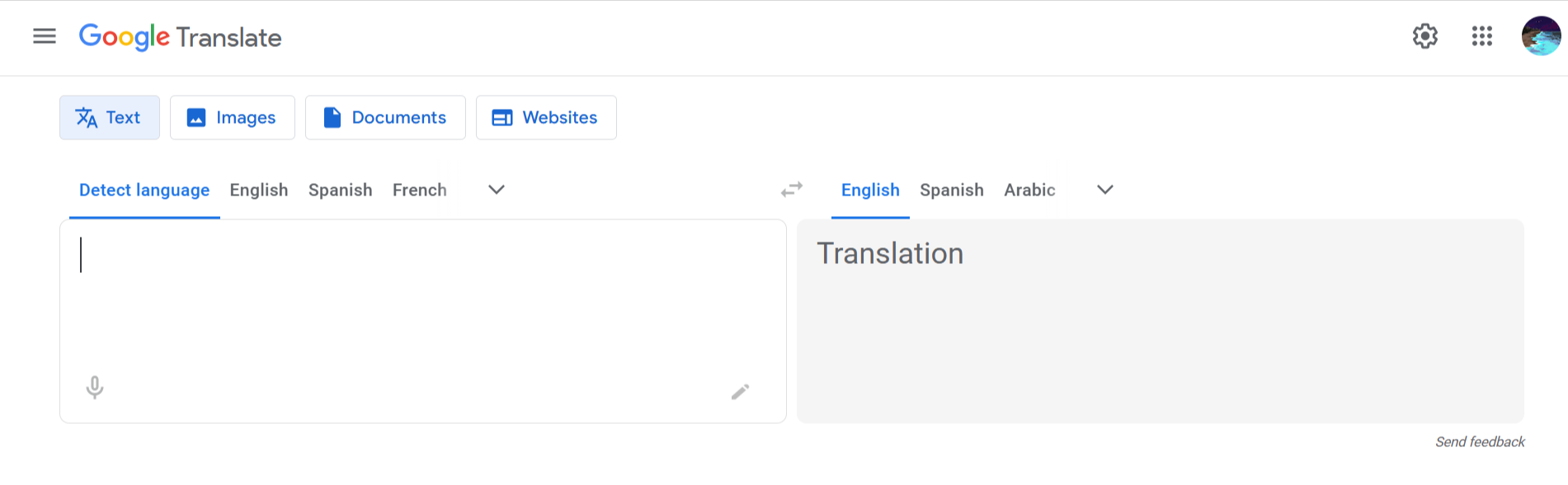
Google Translate uses advanced artificial intelligence and machine learning to understand context, grammar, and meaning across languages. The system continuously improves by analyzing billions of translations and learning from corrections.
What is Yandex Translate?
Yandex Translate is a machine translation service developed by Yandex, Russia’s largest technology company and search engine. Launched in 2011, it’s designed to translate text, websites, images, and documents between multiple languages.
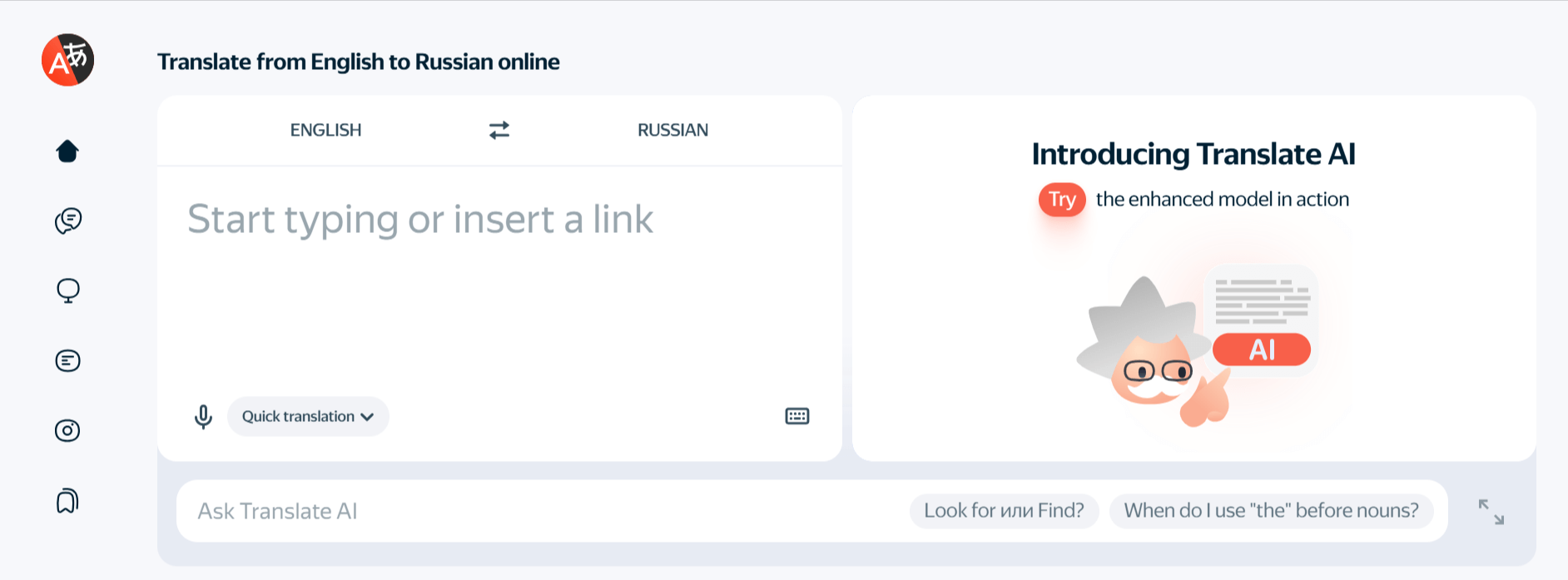
What makes Yandex Translate special is its expertise in Russian and languages from Eastern Europe and Central Asia. The service uses neural machine translation technology, which means it learns from vast amounts of text data to produce more natural-sounding translations.
Factors for Comparison
When choosing between Yandex Translate and Google Translate for your WordPress site, you need to evaluate several factors:
Language Support and Coverage
When translating a WordPress website, the first thing to consider is how many languages are supported and whether your target audience is included.
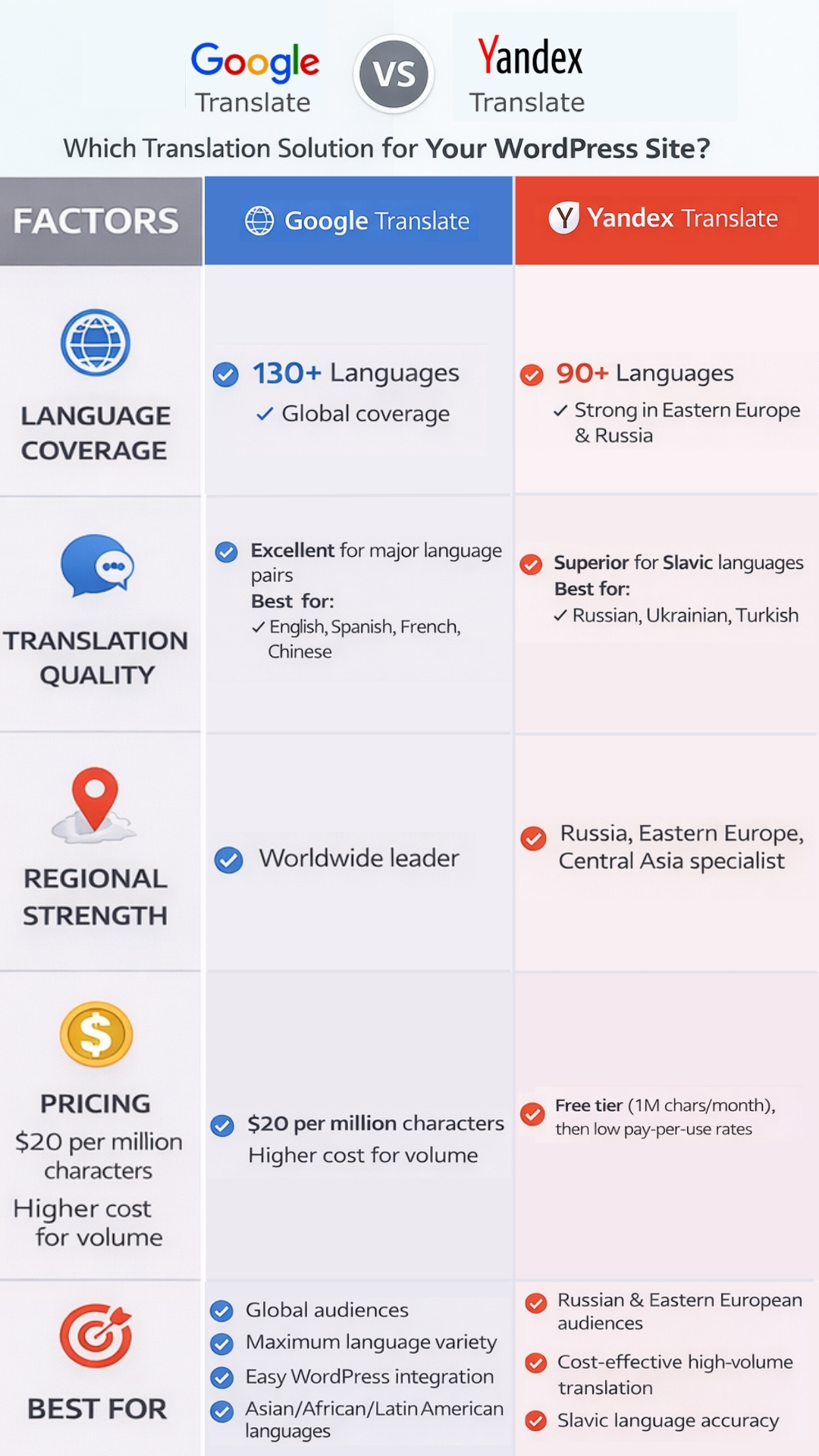
Google Translate supports more than 130 languages. This means it covers almost every major language spoken around the world. Whether your visitors speak Spanish, Chinese, Arabic, Hindi, Portuguese, or even smaller regional languages, Google Translate is very likely to support them. Because of this wide coverage, it is a popular choice for websites that target visitors from many different countries.
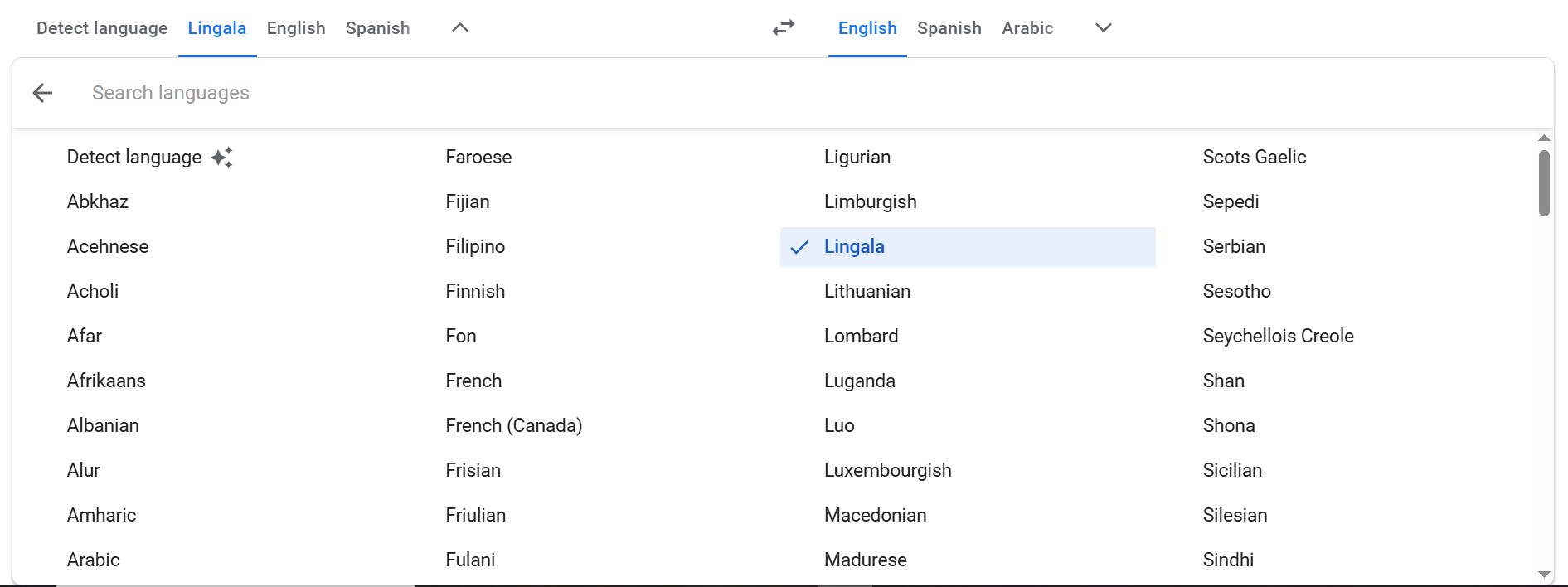
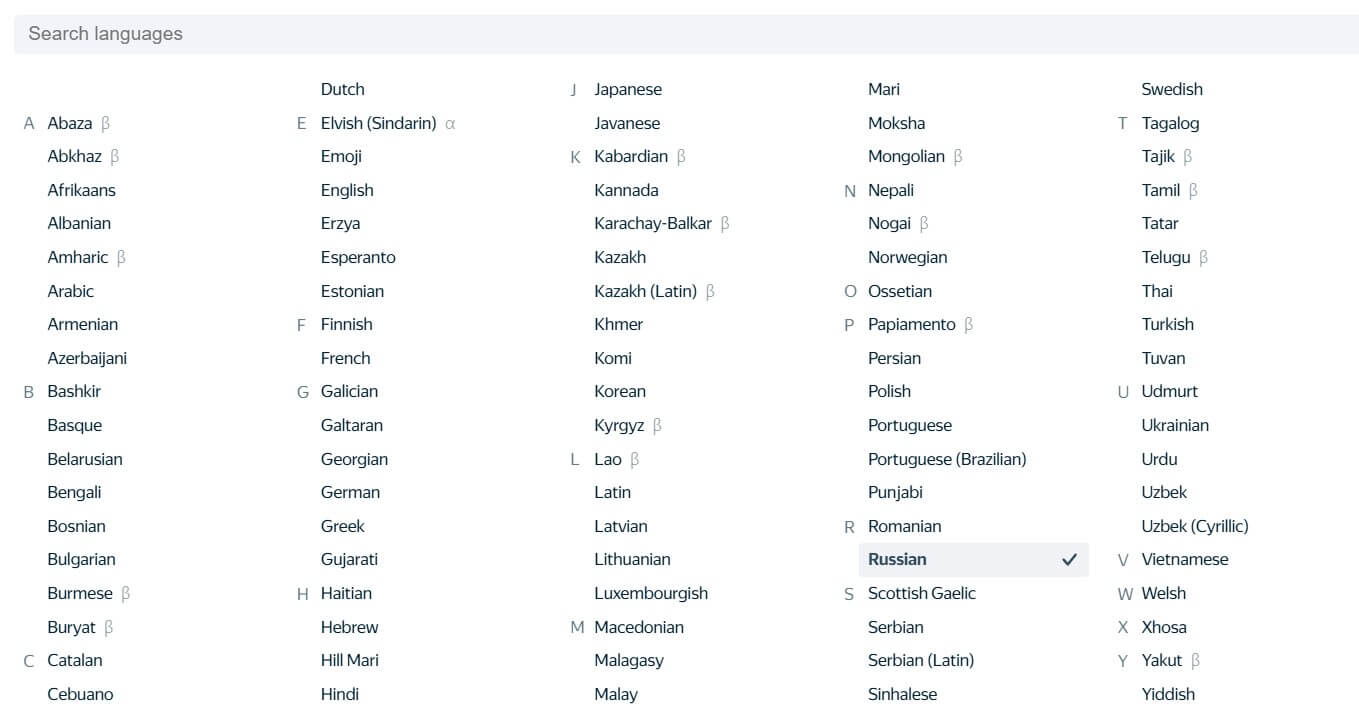
Yandex Translate supports around 100 languages, which is still a large number. However, Yandex focuses more on specific regions rather than covering every language globally. It performs especially well for languages used in Eastern Europe, Central Asia, and nearby regions.
Translation Quality and Accuracy
Translation quality is not just about converting words, it’s about how natural and understandable the result feels to a real person.
Google Translate generally provides clear and readable translations, especially for common language combinations like English to Spanish, French, German, or Chinese. For most websites, the translated text is easy to understand and works well for general information. However, Google Translate can sometimes struggle with local expressions, cultural phrases, technical, or industry-specific words. This means the translation may sound correct, but not always natural.
Yandex Translate performs particularly well when translating Russian, Ukrainian, Turkish, Kazakh, and other nearby languages. It understands sentence structure and grammar better for these languages, which makes translations sound more natural and closer to how a native speaker would write. For languages outside these regions, Yandex’s translation quality can be less consistent.
So, if your site content must sound very natural in Russian or nearby languages, Yandex Translate often does a better job. For most other languages, Google Translate is more reliable overall.
Integration with WordPress
For many WordPress users, ease of setup is very important. Google Translate integrates with many WordPress plugins. These plugins allow you to:
- Install translation features in just a few clicks.
- Add a language switcher easily.
- Automatically translate new content.
- Avoid coding or technical setup.
In most cases, you can set up Google Translate on a WordPress site in less than 10 minutes.
Yandex Translate has fewer WordPress plugins, and many of them are not updated regularly. Some setups require manual configuration using an API, which is difficult for beginners.
Speed and Performance
Visitors expect translated pages to load quickly. Slow translations can frustrate users.
Google Translate processes translations very quickly thanks to Google’s massive global infrastructure. Response times are typically under a second for most text lengths. The service handles high traffic volumes without slowdowns and maintains excellent uptime.
Yandex Translate also delivers fast translation speeds, though it doesn’t have quite the same global infrastructure as Google. So speed is quite fast, especially for users in Russia and Europe, however for visitors in distant regions like South America or Australia, it is slightly slower.
Free Multilingual Website Translation
Speak to your audience in their preferred language via AI-powered translators.
Pricing and Cost
Cost is a major concern for WordPress site owners.
Google Translate’s API is not free for commercial use. Google charges $20 per million characters of text translated. So as your website grows, costs increase. Some WordPress plugins offer free plans, but advanced features usually require a paid subscription.
Yandex Translate offers 1 million characters of translation per month at no cost through its API, which can be enough for small or medium WordPress sites.
SEO Friendliness
Many users believe that using Google Translate automatically improves SEO. This is not true. Search engines care about content quality, proper language URLs, correct indexing, and user experience.
Both Google Translate and Yandex Translate can work well for SEO if set up correctly. Poor setup can harm rankings, no matter which service you use.
Privacy and Data Security
When you use any automatic translation tool, your website content does not stay only on your WordPress site. The text you want to translate is sent to the translation company’s servers, translated there, and then sent back to your website.
When you use Google Translate, your content is sent to Google’s servers. Google may store or analyze this data to improve its translation system. This is normal for machine translation services. The important thing to know is that Google follows international security standards, provides GDPR-compliant options for European websites, and many large businesses and governments already use Google services
This makes Google Translate a safer and more trusted option for most global and business websites.
Yandex Translate sends your content to Yandex servers, which are mainly located in Russia and nearby regions. Yandex also uses translation data to improve its service.
This is not automatically unsafe, but for websites targeting Russian or nearby audiences, this is usually not a problem. For international businesses, it may require extra consideration.
User Interface and Ease of Use
Google Translate feels easy because most people already know how it works. When it is used in WordPress through plugins, the settings are usually clear and easy to understand. You can choose languages and manage translations without dealing with complex technical terms. Even if you are new to WordPress, the process feels familiar and does not require special skills.
Yandex Translate also has a clean interface, but it feels less familiar to users outside Russia and Eastern Europe. When used in WordPress, the available tools and documentation are more limited. Because of this, users may need to spend extra time understanding how things work or may need help setting it up properly.
Customer Support and Documentation
Google Translate provides extensive documentation, API guides, and developer resources. Community forums are active with thousands of discussions. However, direct support is mainly available for paid enterprise customers. For WordPress users, support often comes from plugin developers rather than Google directly.
Yandex Translate offers documentation in English and Russian, though it’s not as extensive as Google’s. Community resources are smaller, particularly in English. Support options are similar to Google, primarily community-based, unless you’re an enterprise customer.
Reliability and Uptime
Google Translate is known for being very reliable. Because it runs on Google’s global server network, it almost always works without interruption. Even if your website receives visitors from different countries at the same time, translations usually load smoothly. This makes Google Translate a safe choice for websites where translated content is important for daily visitors, customers, or sales.
Yandex Translate is also stable and works well most of the time, especially for websites that target users in Russia or nearby regions. However, it does not have the same level of global server coverage as Google. This means that for international visitors, translations may occasionally load more slowly or become temporarily unavailable.
Conclusion
After comparing Yandex Translate and Google Translate across all major factors, here’s the bottom line: there’s no universal “best” choice the right service depends on your specific needs.
Choose Google Translate if your website serves visitors from many countries and languages and you want translations to work reliably everywhere with almost no setup effort.
Choose Yandex Translate if your site mainly targets Russian or nearby regional languages and you want stronger translation quality for those languages, especially on smaller or regional websites.