


ELEMENTOR MULTILINGUAL
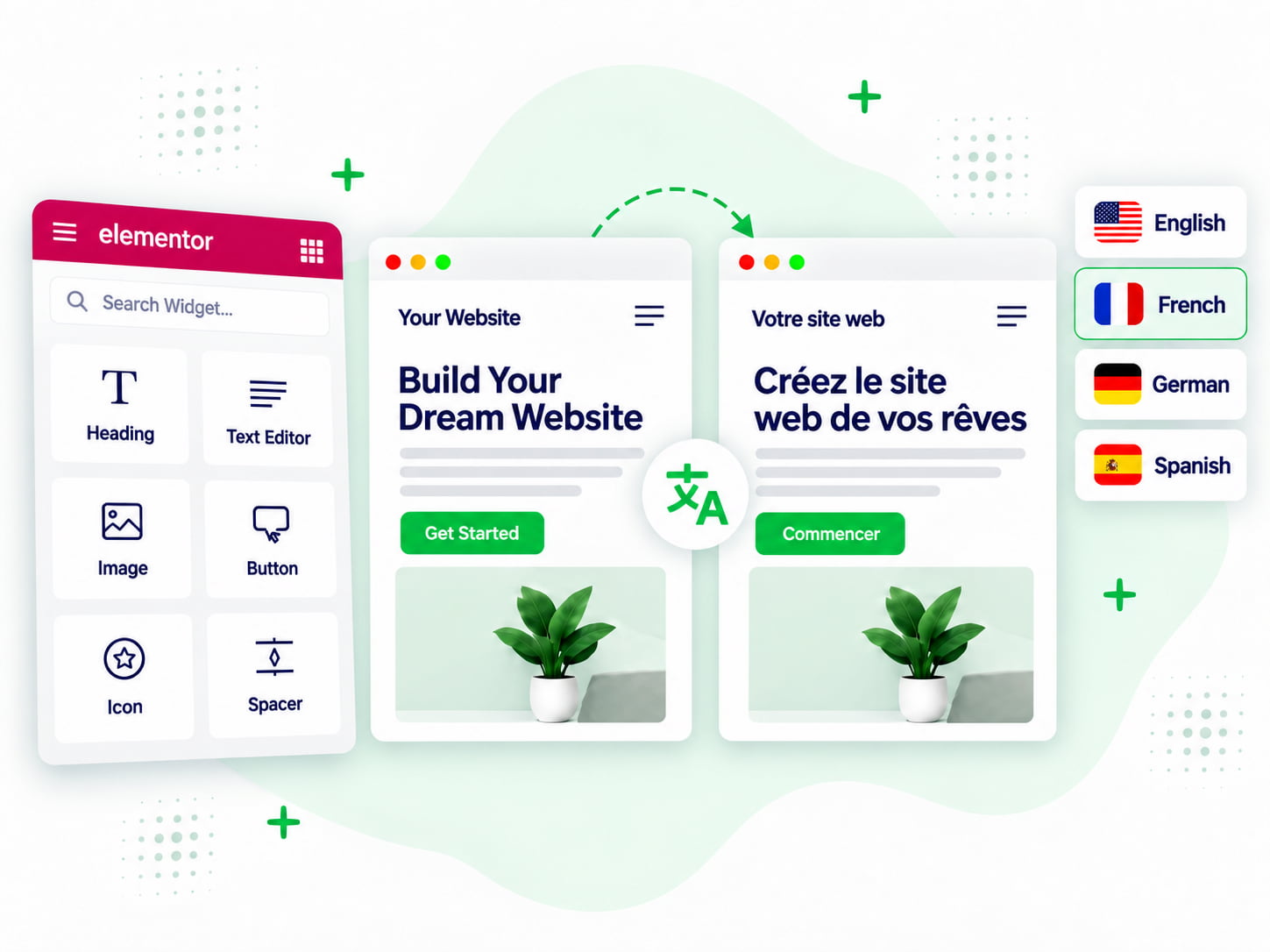
Translate your Elementor pages, supported widget content into multiple languages with Linguator, while keeping your existing Elementor layout, styling, and page structure in place.
Design Preserved
Per page
Core and third-party
Page Translation
Simple Process
Translate Elementor pages content without rebuilding the same design for every language.
01
01
Select the language you want to translate the Elementor content into.
02
02
Choose one of the available translation options and start the demo.
03
03
Once the translation is complete, preview the translated content instantly.
Hello → Hola
Features
Elementor Translation
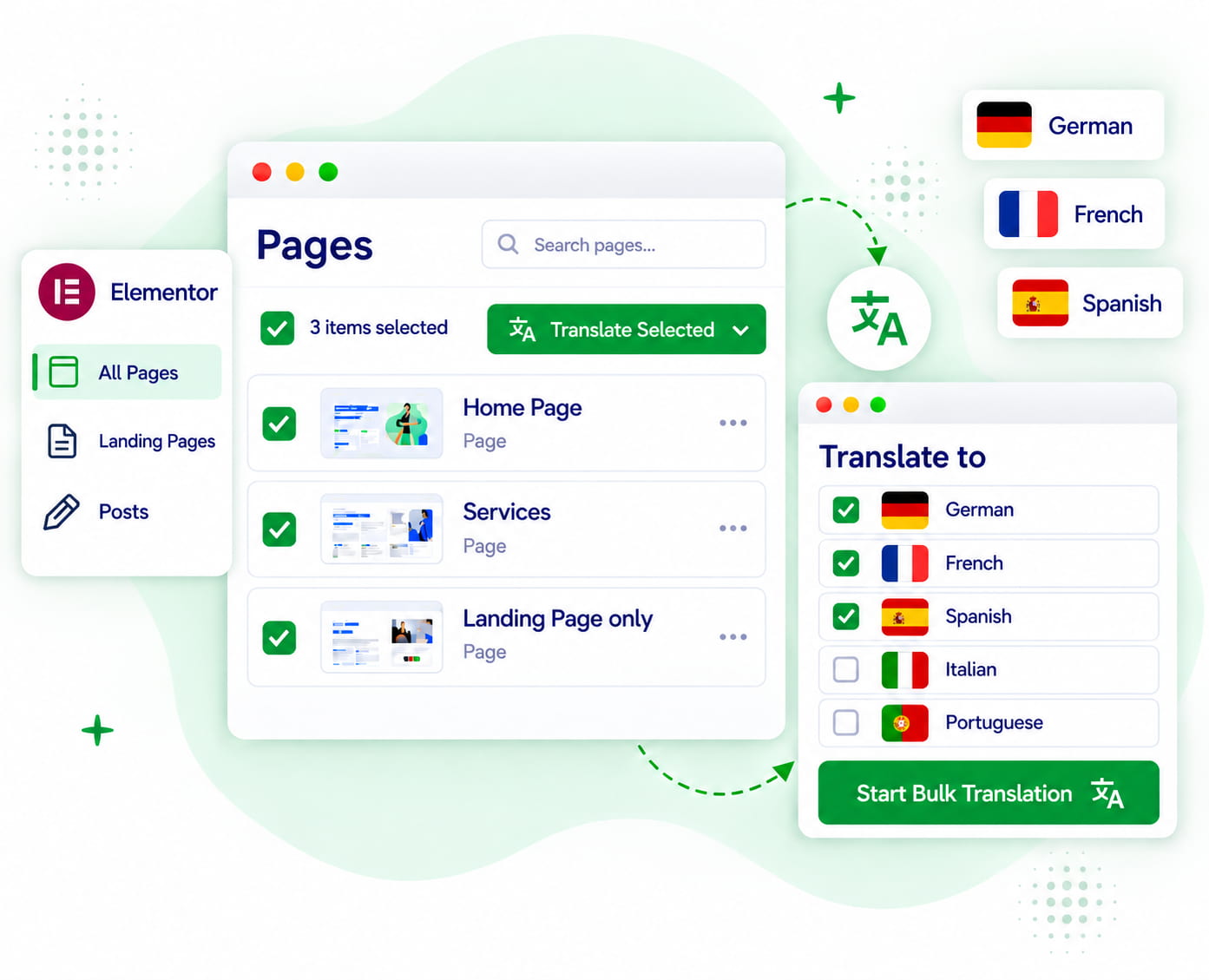
Bulk Translation
Linguator does more than translating individual Elementor pages. Explore more tools needed to manage a multilingual WordPress website.
Translate supported Gutenberg blocks while keeping your existing block structure and page layout intact.
Translate specific blocks, widgets, or sections without translating the entire page.
Add a language switcher so visitors can easily switch between available language versions of your website.
Translate content using Chrome’s built-in AI in real time, without relying on external APIs.
Define preferred terms and translations to keep brand names, product terms, and key phrases consistent across languages.
Translate categories, tags, and supported custom taxonomies to keep your multilingual content organized across languages.
FAQ
Can’t find the answer you’re looking for? Our support team is ready to help.
Stuck somewhere? Reach out to our helpful team for fast and friendly assistance.
AI translation for Elementor allows you to translate the text content of Elementor-built pages into other languages without manually recreating every page. Linguator duplicates the WordPress page and translates supported Elementor content while retaining the existing page structure.
To translate your Elementor pages using Linguator, open your WordPress pages, choose the page you want to translate, select the target language and a supported translation provider, and start the translation. Linguator creates the translated page, which you can then review and edit before publishing.
Linguator is designed to retain the existing Elementor page structure and styling while translating supported content. Because Elementor sites can use different widgets and third-party extensions, you should always review the translated page before publishing.
Depending on your WordPress and browser environment, Linguator supports Google Translate, Chrome built-in AI, Microsoft Edge built-in AI, and Gemini AI.
Yes. Linguator includes Bulk Translation, allowing you to select multiple supported pages or posts and translate them into a chosen language in one go.
Yes. The translated version is created as editable WordPress content. You can open the translated Elementor page and manually refine the text.
No. Linguator is a multilingual WordPress plugin. Along with Elementor translation, it includes language management, bulk translation, language switchers, multilingual URLs, SEO handling, custom post type translation, taxonomy translation, media translation, and other multilingual features.