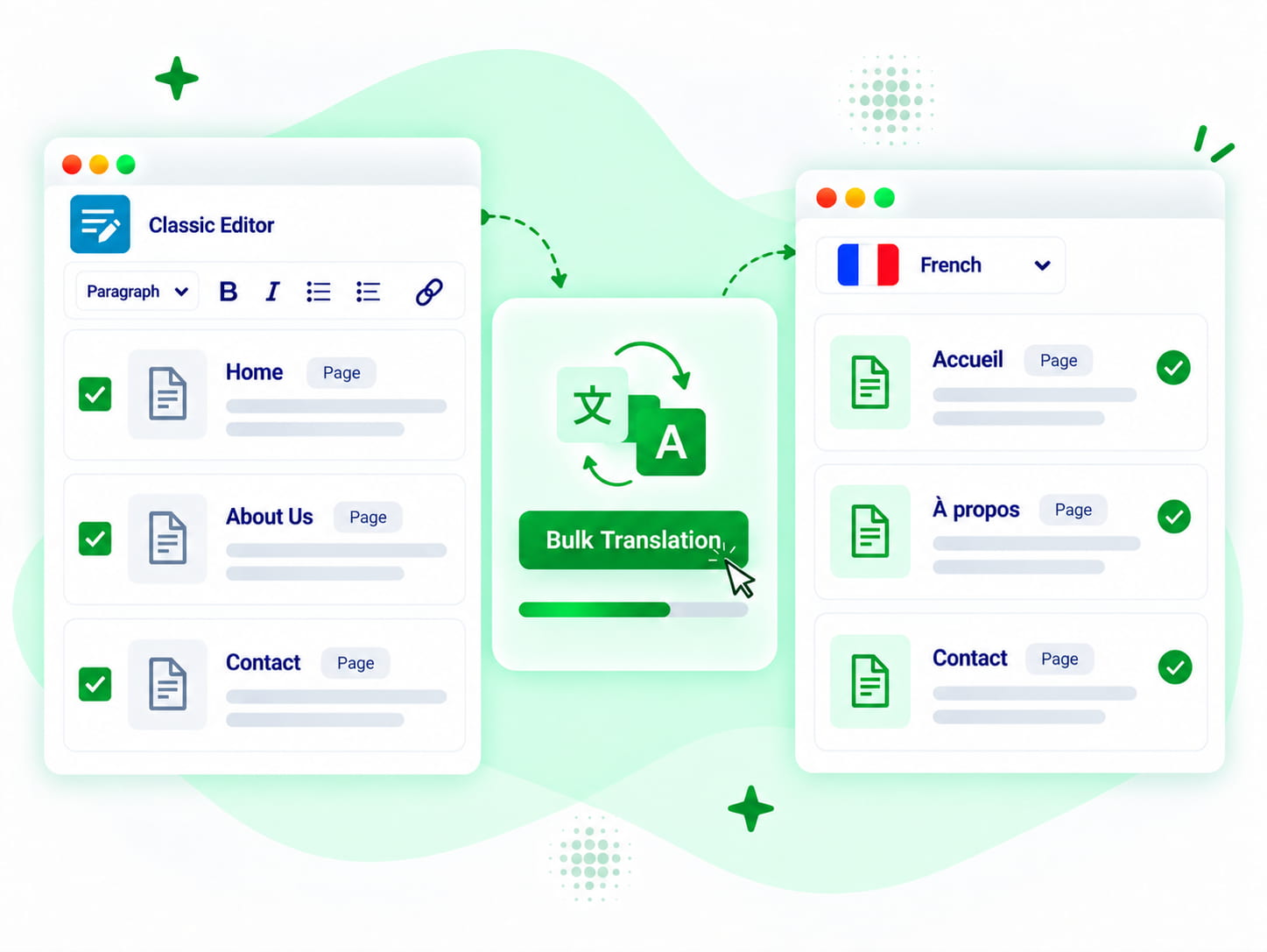

 This is the only (free) translator plugin so far that does bulk, including Woo products, and works quite well. Really great work and a time saver!
 translation is much faster and accurate.
 Translated effectively Byddyboss / Buddypress strings in a second. After spending hours downloading other plugins and trying to reinvent the wheel! Thank you so much ☺️
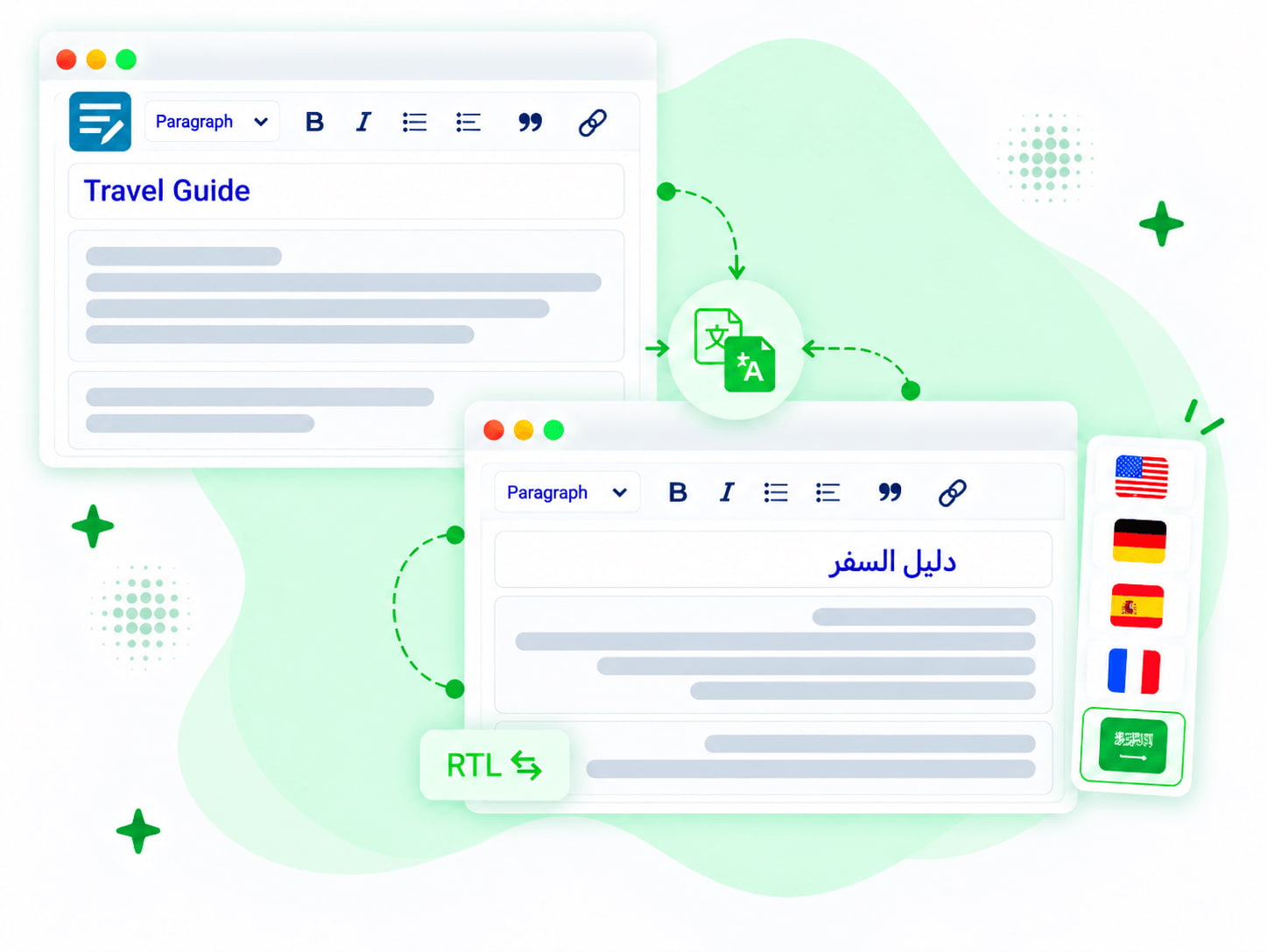
 most of my older content is in the classic editor. nice to have a translation option that works with it.
 This is what I needed! I was lucky that such a plugin existed – several labels on the front end needed to be translated, cool! Thanks to the creators of the plugin!
 pretty useful for older classic editor sites.