
CLASSIC EDITOR TRANSLATION

AI Translation for Classic Editor

Translate WordPress posts and pages created with the Classic Editor using Linguator. Translate and manage content directly inside the WordPress Editor.

100%

Design Preserved

<10 sec

Per page

Content Type

Page, Bulk & Inline

Unlimited

Page Translation

Simple Process

How It Works

Translate Classic Editor pages content without rebuilding the same design for every language.

01

01

Choose Your Language

Select the language you want to translate the content into.

02

02

Select a Translation Provider

Choose one of the available translation options and start the demo.

03

03

Review the Translation

Once the translation is complete, preview the translated content instantly.

Hello → Hola

Features

Everything You Need for Classic Editor Website Translation

Content Translation

Translate Classic Editor Pages

_translate_classic_edit_or_pages_
translate_all_at_once

Bulk Translation

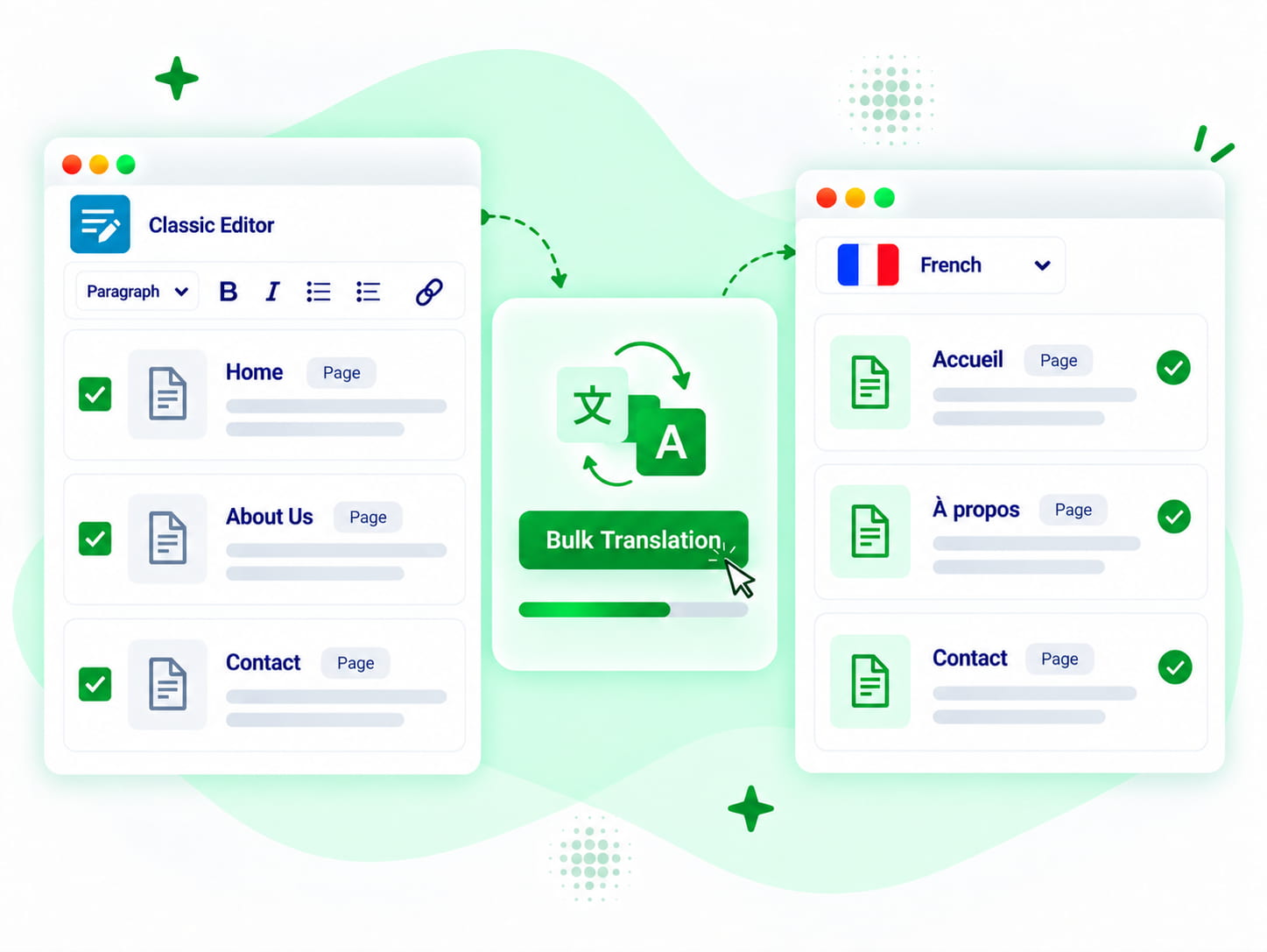
Translate All At Once

Real Feedback from Our Plugin Users

Real Feedback from Our Plugin Users

review-quote review-stars

This is the only (free) translator plugin so far that does bulk, including Woo products, and works quite well. Really great work and a time saver!
@fosfolipid
review-quote review-stars

translation is much faster and accurate.​

@david
review-quote review-stars

Translated effectively Byddyboss / Buddypress strings in a second. After spending hours downloading other plugins and trying to reinvent the wheel! Thank you so much ☺️
@korompilias
review-quote review-stars

most of my older content is in the classic editor. nice to have a translation option that works with it.

@lordofchaospt
review-quote review-stars

This is what I needed! I was lucky that such a plugin existed – several labels on the front end needed to be translated, cool! Thanks to the creators of the plugin!

Evgeny
review-quote review-stars

pretty useful for older classic editor sites.

@sleepymario

FAQ

Frequently Asked Questions...

Can’t find the answer you’re looking for? Our support team is ready to help.

We’re Known for Our Support!

Stuck somewhere? Reach out to our helpful team for fast and friendly assistance.

Can Linguator translate content created with the Classic Editor?

Yes. Linguator supports WordPress content created with the Classic Editor and can create translated versions while keeping the content editable.

Linguator can handle supported post titles, body content, excerpts, and other supported translatable fields associated with the content.

Linguator supports Google Translate, Chrome Built-in AI, Edge Built-in AI, and Google Gemini AI for high-quality translations.

Choose the page you want to translate, select the target language and translation provider, then start the translation. Linguator creates a separate language version that you can review and edit in the Classic Editor.

Yes. Linguator’s Bulk Translation feature lets you select multiple supported posts or pages and translate them together instead of opening each one individually.

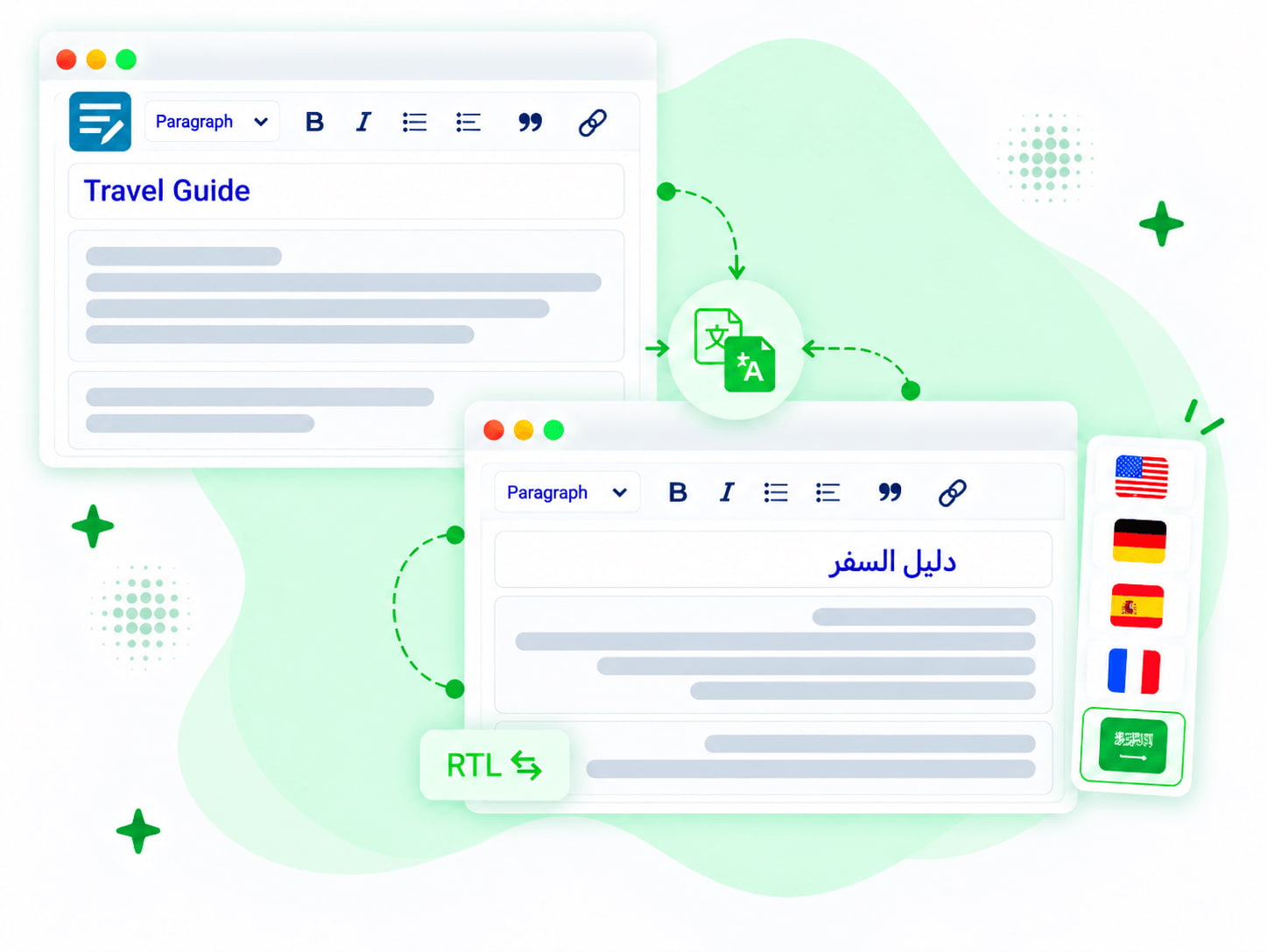
Yes, Linguator supports RTL language translation for languages such as Arabic and Hebrew. 

No. Linguator creates and connects language-specific versions of supported content, so you do not need to duplicate and rebuild every Classic Editor page manually.