TRADUCCIÓN CON TECNOLOGÍA DE GOOGLE
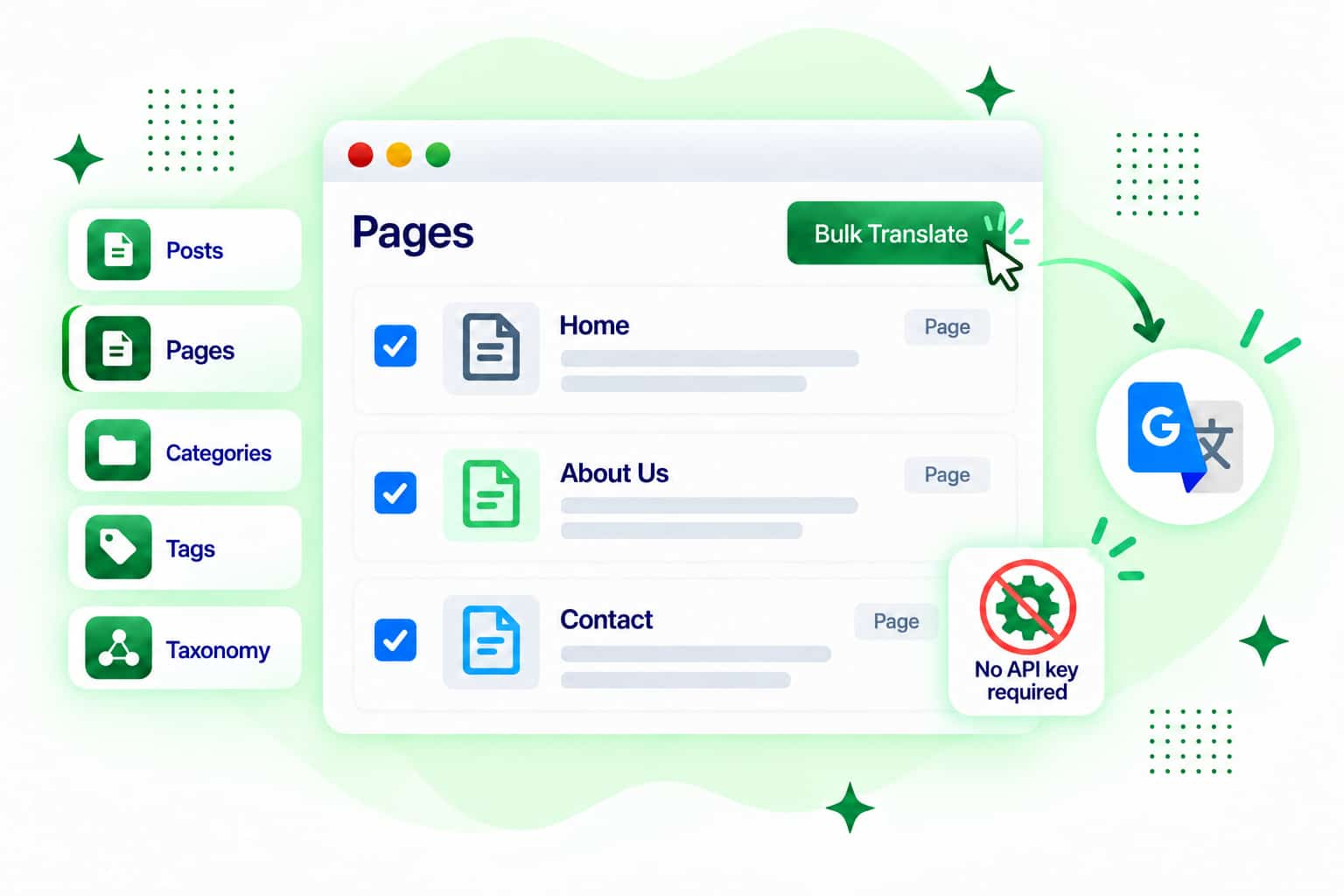
Traduce contenido de WordPress con Google Translate a través de Linguator, sin configurar una clave de API de Google Cloud independiente.
Configuración sencilla
Por página y en lote
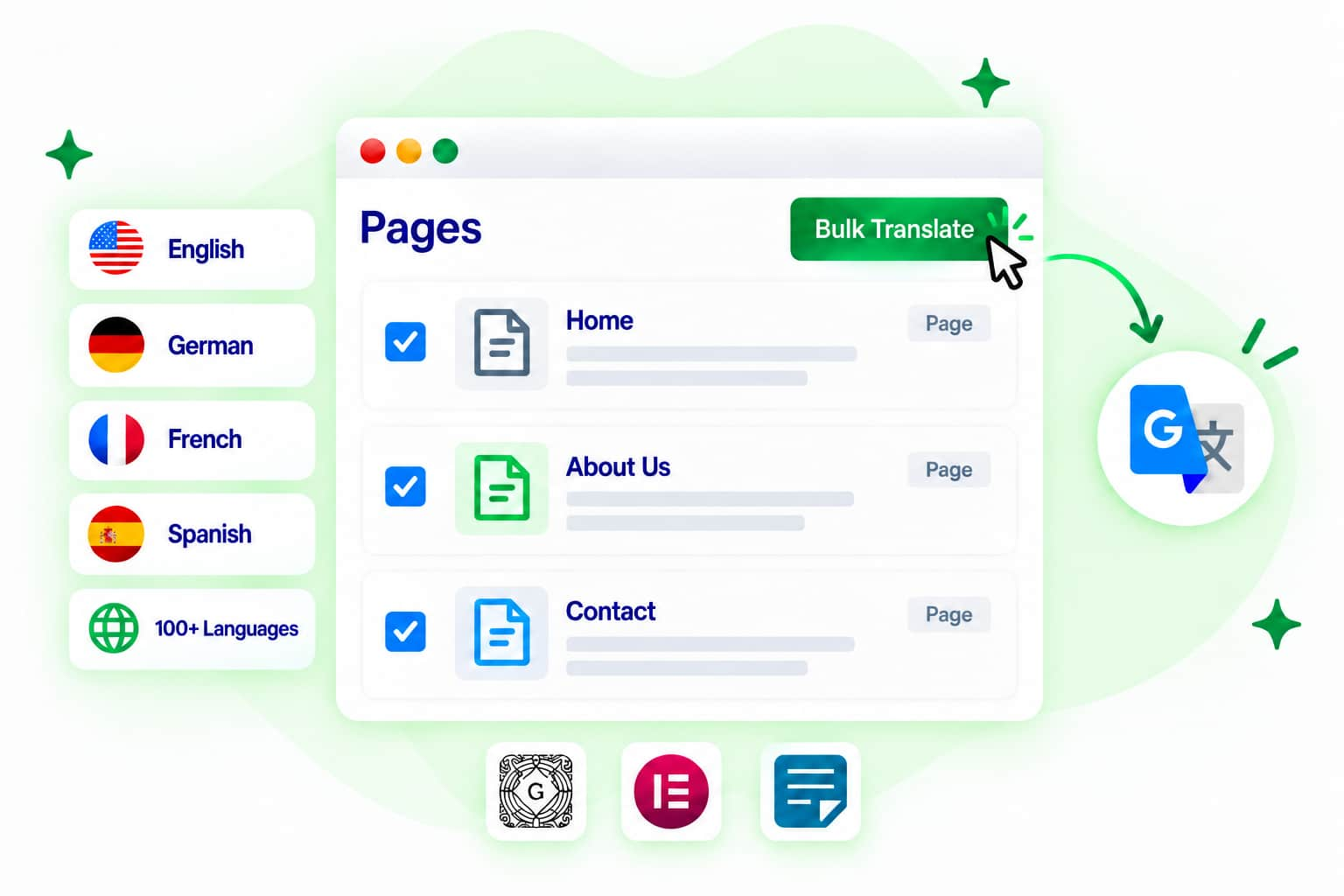
Gutenberg, Elementor y Classic Editor
Revisa y actualiza
Un proceso sencillo
Prueba Google Translate directamente en Linguator y descubre cómo se crea una versión traducida de tu contenido de WordPress.
01
01
Selecciona el idioma en el que quieres crear una versión de tu contenido de WordPress.
02
02
Elige Google Translate como proveedor de traducción. No es necesario configurar una clave de API independiente para este flujo de trabajo.
03
03
Genera la traducción, previsualiza el contenido traducido y actualízalo al instante.
Hola → Hola
Funcionalidades
INTEGRACIÓN CON GOOGLE
TRADUCCIÓN EN WORDPRESS
Linguator va más allá de la traducción de Google. Explora más herramientas para traducir, gestionar y mejorar el contenido multilingüe de WordPress.
Traduce contenido con la IA integrada de Chrome en tiempo real, sin depender de API externas.
Usa Gemini AI para generar traducciones que tengan en cuenta el contexto y conserven mejor el significado, el tono y la intención en todo tu contenido multilingüe.
Traduce contenido compatible de WordPress con las funciones de traducción integradas de Microsoft Edge, sin una clave de API de traducción externa.
Define términos y traducciones preferidos para mantener la coherencia de los nombres de marca, los términos de producto y las frases clave en todos los idiomas.
Traduce en lote varias entradas, páginas, categorías, etiquetas y taxonomías compatibles en lugar de traducirlas una a una.
Añade un selector de idioma para que los visitantes puedan cambiar fácilmente entre las versiones de tu web disponibles en distintos idiomas.

 Hasta ahora, este es el único plugin de traducción (gratuito) que traduce en lote, incluidos los productos de Woo, y funciona bastante bien. ¡Un trabajo excelente que ahorra mucho tiempo!
 Un buen plugin para cualquiera que quiera una web multilingüe sencilla.
 Tradujo correctamente las cadenas de Byddyboss / Buddypress en un segundo. ¡Después de pasar horas descargando otros plugins e intentando reinventar la rueda! Muchísimas gracias ☺️
 Sin ajustes complicados ni procesos de traducción difíciles. Solo tienes que seleccionar Google Translate y empezar a traducir.
 ¡Esto es lo que necesitaba! Tuve la suerte de que existiera un plugin así: necesitaba traducir varias etiquetas de la parte visible de la web. ¡Genial! ¡Gracias a los creadores del plugin!
 Pensaba que haría falta una clave de API, pero no fue necesaria. Un plugin muy útil.

Preguntas frecuentes
¿No encuentras la respuesta que buscas? Nuestro equipo de soporte está listo para ayudarte.

¿Te has atascado en algún paso? Contacta con nuestro equipo para recibir ayuda rápida y cercana.
Google Translate Widget es el proveedor de traducción integrado en el flujo de trabajo de traducción de Linguator. Puedes usarlo para generar contenido traducido de WordPress sin tener que copiar manualmente el texto en Google Translate.
No se necesita una clave de API independiente de Google Cloud Translation para el flujo de trabajo de Google Translate Widget de Linguator.
Google Translate se puede usar con entradas, páginas, custom post types, categorías, etiquetas, taxonomías y contenido del editor compatibles a través de los flujos de trabajo de traducción de Linguator.
Sí. Google Translate está disponible como proveedor en el flujo de trabajo de Bulk Translation de Linguator para el contenido compatible.
Sí. Puedes añadir el widget de Google Translate a tu web con Linguator y traducir el contenido de distintas páginas mediante el selector de idioma.
Sí. Es útil cuando quieres ofrecer rápidamente traducciones automáticas a los visitantes sin tener que crear traducciones manualmente para cada página e idioma.
Manage your preferences. Blocking some cookies may affect site features. You can find more information in our Cookie Policy and Privacy Policy.
Your browser is sending a Global Privacy Control signal, so advertising cookies stay off and that choice cannot be switched on here. Everything else is still yours to decide.
Essential cookies for site functionality, security, and your basic preferences. Always on.
| Cookie | Set by | Kept for |
|---|---|---|
cppb_consent
Stores the visitor's consent decision so the banner is only shown once.
|
CP Cookie Banner | configurable (default 365 days) |
Remember choices you make so the site works the way you expect.
| Cookie | Set by | Kept for |
|---|---|---|
cppt_banner_dismissed
Remembers that you closed the sale banner, so it stays closed on the other pages you visit and in other tabs. Cleared when you close your browser. Contains only the name of the sale it applies to, and no identifier.
|
Cool Plugins — CP Pricing Table | Session |
cppt_buy_started
Remembers that you went to checkout during the current sale, so the prices on the page you left do not change behind you while you pay. Cleared when you close your browser. Contains only the name of the sale and which price was showing, and no identifier.
|
Cool Plugins — CP Pricing Table | Session |
cppt_offer
Remembers which sale offer you were shown during this visit, and whether its discount was applied, so the prices stay the same each time you reload a page instead of changing. Cleared when you close your browser. Contains no identifier.
|
Cool Plugins — CP Pricing Table | Session |
cppt_session
Marks the current browsing session, so that a visit arriving from another website is credited once per session rather than on every page view. Contains no identifier.
|
Cool Plugins — CP Pricing Table | Session |
lmat_language
Remembers the language the visitor chose, so the site opens in it next time.
|
Cool Plugins — Linguator | 1 year |
wp-settings-1
Stores user admin preferences.
|
WordPress core | 1 year |
wp-settings-time-1
Stores timestamp of WordPress admin preference change.
|
WordPress core | 1 year |
Google Analytics and Microsoft Clarity show us how visitors use the site, including recordings of clicks and scrolling, so we can fix what confuses people. Not used for advertising.
| Cookie | Set by | Kept for |
|---|---|---|
_clck
Persistent user identifier for session linking.
|
Microsoft Clarity | 1 year |
_clsk
Connects pageviews into a single session recording.
|
Microsoft Clarity | 1 day |
_ga
Distinguishes unique users.
|
Google Analytics | 2 years |
_ga_942V83ZG8Q
Persists session state per GA4 property.
|
Google Analytics 4 | 2 years |
Used to deliver and measure ads on this site and across the web.
| Cookie | Set by | Kept for |
|---|---|---|
_fbp
Identifies browsers for ad delivery and site analytics.
|
Meta (Facebook) Pixel | 90 days |
_gcl_au
Stores conversion linker information for Google Ads.
|
Google Ads | 90 days |
_rdt_uuid
Unique visitor identifier for Reddit ad attribution.
|
Reddit Pixel | 3 months |
_twpid
Identifies the browser to X so ad conversions can be attributed.
|
X (Twitter) Pixel | Session |
_twsid
Session identifier used by the X conversion pixel.
|
X (Twitter) Pixel | Session |