การแปลด้วยเทคโนโลยีของ GOOGLE
แปลเนื้อหา WordPress ด้วย Google Translate ผ่าน Linguator โดยไม่ต้องตั้งค่าคีย์ Google Cloud API แยกต่างหาก
ตั้งค่าได้ง่าย
หน้าเว็บและการแปลจำนวนมาก
Gutenberg, Elementor และ Classic
ตรวจทานและอัปเดต
ขั้นตอนง่าย ๆ
ลองใช้ Google Translate ได้โดยตรงใน Linguator แล้วดูว่าเนื้อหา WordPress ของคุณถูกสร้างเป็นเวอร์ชันแปลอย่างไร
01
01
เลือกภาษาที่คุณต้องการสร้างเวอร์ชันแปลของเนื้อหา WordPress
02
02
เลือก Google Translate เป็นผู้ให้บริการแปล เวิร์กโฟลว์นี้ไม่ต้องตั้งค่าคีย์ API แยกต่างหาก
ฟีเจอร์
การผสานการทำงานกับ GOOGLE
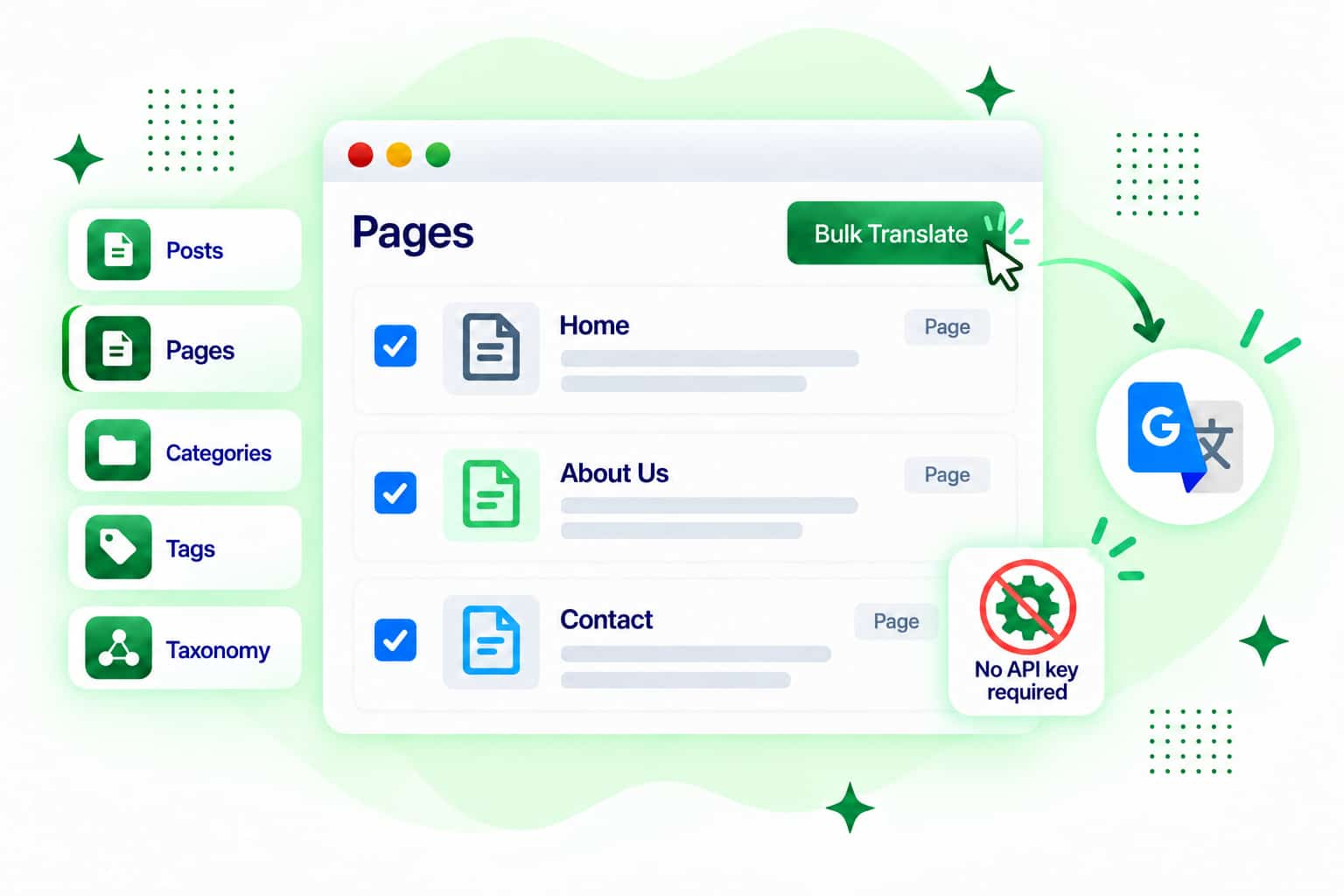
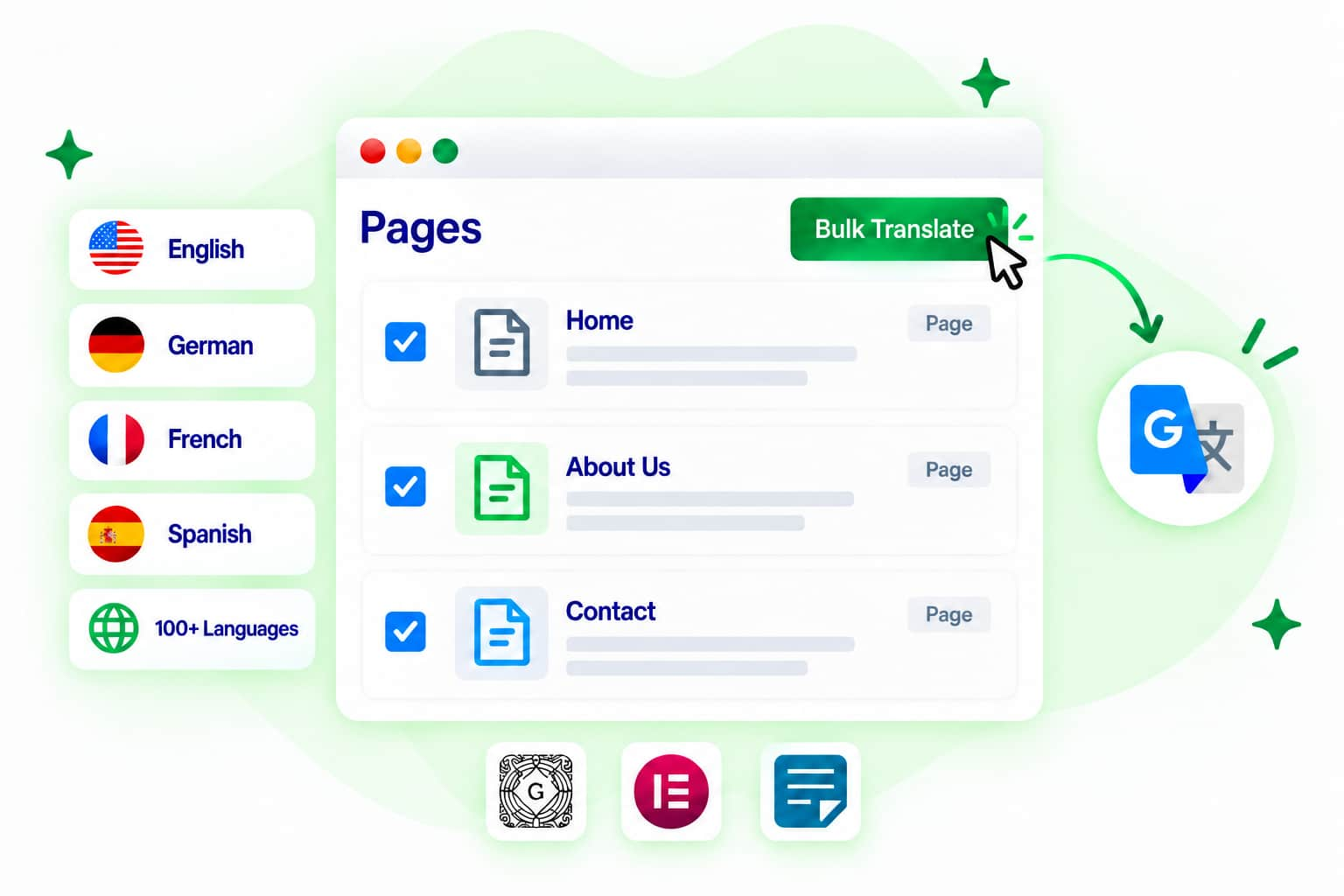
การแปลเนื้อหา WORDPRESS
Linguator มีมากกว่าการแปลด้วย Google สำรวจเครื่องมือเพิ่มเติมสำหรับการแปล จัดการ และปรับปรุงเนื้อหา WordPress หลายภาษา
แปลเนื้อหาแบบเรียลไทม์ด้วย AI ในตัวของ Chrome โดยไม่ต้องพึ่งพา API ภายนอก
ใช้ Gemini AI สร้างคำแปลที่คำนึงถึงบริบท เพื่อรักษาความหมาย น้ำเสียง และเจตนาของเนื้อหาหลายภาษาได้ดียิ่งขึ้น
แปลเนื้อหา WordPress ที่รองรับด้วยความสามารถในการแปลในตัวของ Microsoft Edge โดยไม่ต้องใช้คีย์ API สำหรับการแปลจากภายนอก
กำหนดคำศัพท์และคำแปลที่ต้องการ เพื่อให้ชื่อแบรนด์ คำศัพท์เกี่ยวกับผลิตภัณฑ์ และวลีสำคัญใช้ตรงกันในทุกภาษา
แปลโพสต์ หน้าเว็บ หมวดหมู่ แท็ก และอนุกรมวิธานที่รองรับหลายรายการพร้อมกัน แทนการแปลทีละรายการ
เพิ่มตัวสลับภาษาเพื่อให้ผู้เข้าชมสลับระหว่างเวอร์ชันภาษาต่าง ๆ ของเว็บไซต์ได้อย่างง่ายดาย

 นี่เป็นปลั๊กอินแปลภาษา (ฟรี) ตัวเดียวเท่าที่พบมาที่แปลหลายรายการพร้อมกันได้ รวมถึงสินค้า Woo และใช้งานได้ค่อนข้างดี ผลงานยอดเยี่ยมจริง ๆ และช่วยประหยัดเวลาได้มาก!
 ปลั๊กอินที่ดีสำหรับคนที่ต้องการเว็บไซต์หลายภาษาแบบเรียบง่าย
 แปลข้อความของ Byddyboss / Buddypress ได้อย่างมีประสิทธิภาพในพริบตา หลังจากที่ฉันใช้เวลาหลายชั่วโมงดาวน์โหลดปลั๊กอินอื่น ๆ และพยายามหาทางแก้เอง! ขอบคุณมาก ☺️
 ไม่ต้องตั้งค่าให้ยุ่งยาก และขั้นตอนการแปลก็ไม่ซับซ้อน แค่เลือก Google Translate แล้วเริ่มแปลได้เลย
 นี่แหละที่ฉันต้องการ! โชคดีจริง ๆ ที่มีปลั๊กอินแบบนี้อยู่ เพราะมีข้อความหลายจุดบนหน้าเว็บไซต์ที่ต้องแปล เยี่ยมเลย! ขอบคุณผู้สร้างปลั๊กอิน!
 ตอนแรกคิดว่าต้องใช้คีย์ API แต่จริง ๆ ไม่ต้องใช้ เป็นปลั๊กอินที่มีประโยชน์มาก

คำถามที่พบบ่อย
ไม่พบคำตอบที่ต้องการ? ทีมสนับสนุนของเราพร้อมช่วยเหลือคุณ

ติดปัญหาตรงไหนอยู่? ติดต่อทีมงานของเราเพื่อรับความช่วยเหลือที่รวดเร็วและเป็นกันเอง
Google Translate Widget คือผู้ให้บริการแปลที่รวมอยู่ในขั้นตอนการแปลของ Linguator คุณสามารถใช้เครื่องมือนี้สร้างเนื้อหา WordPress ที่แปลแล้วได้ โดยไม่ต้องคัดลอกข้อความไปใส่ใน Google Translate ด้วยตนเอง
ขั้นตอนการใช้งาน Google Translate Widget ของ Linguator ไม่ต้องใช้คีย์ Google Cloud Translation API แยกต่างหาก
คุณสามารถใช้ Google Translate แปลโพสต์ หน้าเว็บ ประเภทโพสต์แบบกำหนดเอง หมวดหมู่ แท็ก การจัดหมวดหมู่แบบกำหนดเอง และเนื้อหาในเครื่องมือแก้ไขที่รองรับ ผ่านขั้นตอนการแปลของ Linguator
ได้ คุณสามารถเลือก Google Translate เป็นผู้ให้บริการแปลในขั้นตอนการแปลจำนวนมากของ Linguator สำหรับเนื้อหาที่รองรับ
ได้ คุณสามารถใช้ Linguator เพิ่มวิดเจ็ต Google Translate ลงในเว็บไซต์ และแปลเนื้อหาของหน้าต่าง ๆ ผ่านตัวเลือกภาษา
ใช่ ฟีเจอร์นี้มีประโยชน์เมื่อคุณต้องการแสดงคำแปลอัตโนมัติให้ผู้เข้าชมได้อย่างรวดเร็ว โดยไม่ต้องสร้างคำแปลสำหรับทุกหน้าและทุกภาษาด้วยตนเอง
Manage your preferences. Blocking some cookies may affect site features. You can find more information in our Cookie Policy and Privacy Policy.
Your browser is sending a Global Privacy Control signal, so advertising cookies stay off and that choice cannot be switched on here. Everything else is still yours to decide.
Essential cookies for site functionality, security, and your basic preferences. Always on.
| Cookie | Set by | Kept for |
|---|---|---|
cppb_consent
Stores the visitor's consent decision so the banner is only shown once.
|
CP Cookie Banner | configurable (default 365 days) |
Remember choices you make so the site works the way you expect.
| Cookie | Set by | Kept for |
|---|---|---|
cppt_banner_dismissed
Remembers that you closed the sale banner, so it stays closed on the other pages you visit and in other tabs. Cleared when you close your browser. Contains only the name of the sale it applies to, and no identifier.
|
Cool Plugins — CP Pricing Table | Session |
cppt_buy_started
Remembers that you went to checkout during the current sale, so the prices on the page you left do not change behind you while you pay. Cleared when you close your browser. Contains only the name of the sale and which price was showing, and no identifier.
|
Cool Plugins — CP Pricing Table | Session |
cppt_offer
Remembers which sale offer you were shown during this visit, and whether its discount was applied, so the prices stay the same each time you reload a page instead of changing. Cleared when you close your browser. Contains no identifier.
|
Cool Plugins — CP Pricing Table | Session |
cppt_session
Marks the current browsing session, so that a visit arriving from another website is credited once per session rather than on every page view. Contains no identifier.
|
Cool Plugins — CP Pricing Table | Session |
lmat_language
Remembers the language the visitor chose, so the site opens in it next time.
|
Cool Plugins — Linguator | 1 year |
wp-settings-1
Stores user admin preferences.
|
WordPress core | 1 year |
wp-settings-time-1
Stores timestamp of WordPress admin preference change.
|
WordPress core | 1 year |
Google Analytics and Microsoft Clarity show us how visitors use the site, including recordings of clicks and scrolling, so we can fix what confuses people. Not used for advertising.
| Cookie | Set by | Kept for |
|---|---|---|
_clck
Persistent user identifier for session linking.
|
Microsoft Clarity | 1 year |
_clsk
Connects pageviews into a single session recording.
|
Microsoft Clarity | 1 day |
_ga
Distinguishes unique users.
|
Google Analytics | 2 years |
_ga_942V83ZG8Q
Persists session state per GA4 property.
|
Google Analytics 4 | 2 years |
Used to deliver and measure ads on this site and across the web.
| Cookie | Set by | Kept for |
|---|---|---|
_fbp
Identifies browsers for ad delivery and site analytics.
|
Meta (Facebook) Pixel | 90 days |
_gcl_au
Stores conversion linker information for Google Ads.
|
Google Ads | 90 days |
_rdt_uuid
Unique visitor identifier for Reddit ad attribution.
|
Reddit Pixel | 3 months |
_twpid
Identifies the browser to X so ad conversions can be attributed.
|
X (Twitter) Pixel | Session |
_twsid
Session identifier used by the X conversion pixel.
|
X (Twitter) Pixel | Session |