TRADUZIONE CON AI INTEGRATA
Traduci i contenuti WordPress usando l’AI gestita direttamente da Chrome. Linguator si collega alla Translator API integrata in Chrome per generare traduzioni senza configurare una chiave API per un servizio di traduzione esterno.
Configurazione semplice
AI integrata
Gutenberg, Elementor e Classic Editor
Rivedi e aggiorna
Procedura semplice
Scopri come Linguator usa la traduzione integrata in Chrome direttamente dalla bacheca di WordPress.
01
01
Seleziona la lingua in cui vuoi tradurre i tuoi contenuti WordPress.
02
02
Scegli Chrome Built-in AI come fornitore di traduzione.
03
03
Chrome elabora la traduzione tramite la propria Translator API locale. Rivedi la versione tradotta e aggiorna il contenuto quando è pronto.
Ciao → Hola
Funzionalità
AI INTEGRATA
COMPATIBILITÀ
Funzionalità
Linguator offre molto più dell’AI di Chrome. Scopri altri strumenti per creare e gestire contenuti WordPress multilingue.
Traduci i contenuti WordPress supportati con Google Translate senza configurare una chiave API di Google Cloud.
Usa Gemini AI per traduzioni che tengono conto del contesto e preservano meglio il significato, il tono e i contenuti circostanti.
Traduci i contenuti WordPress supportati usando le funzionalità di traduzione integrate in Microsoft Edge, senza una chiave API per un servizio di traduzione esterno.
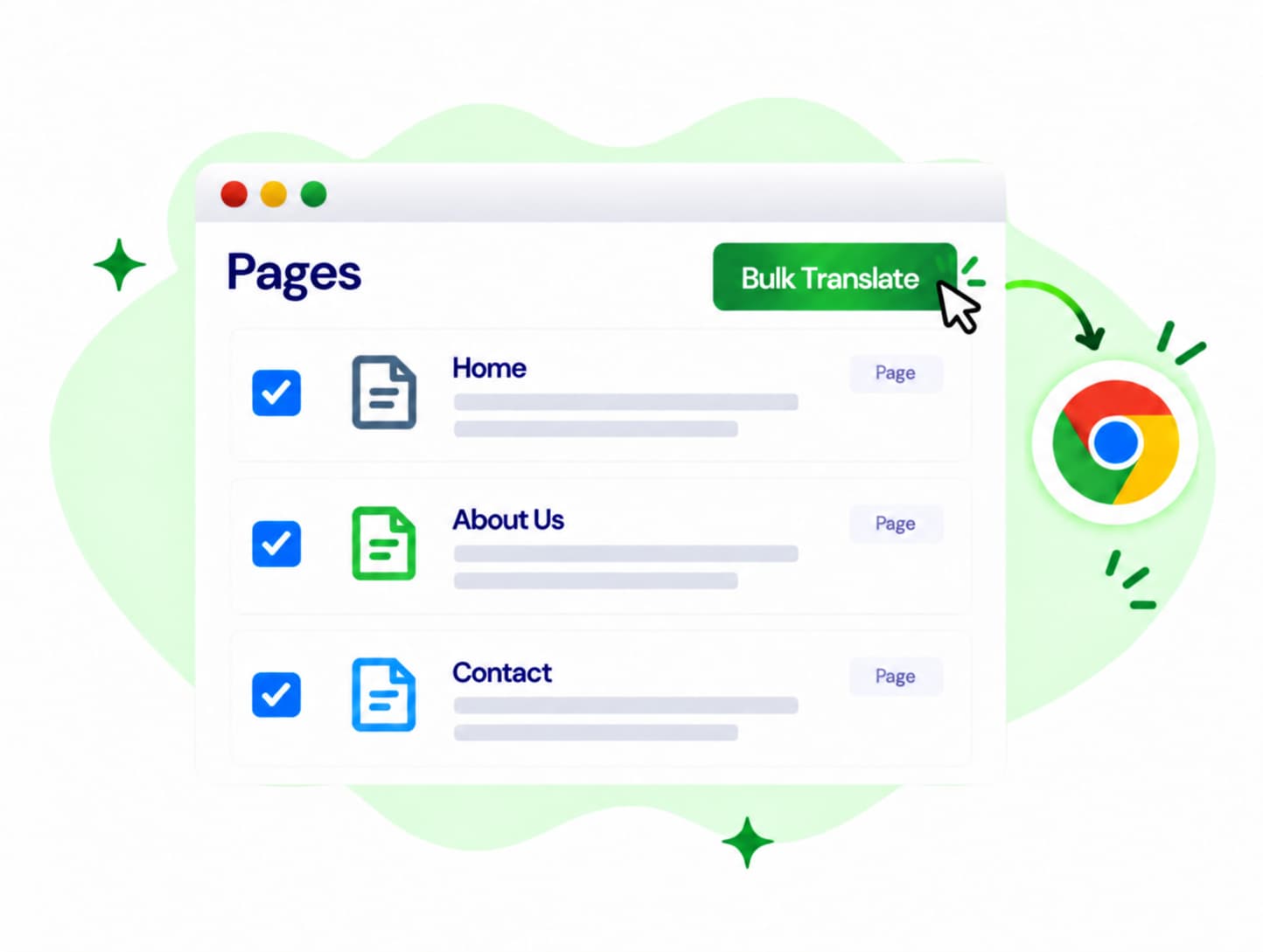
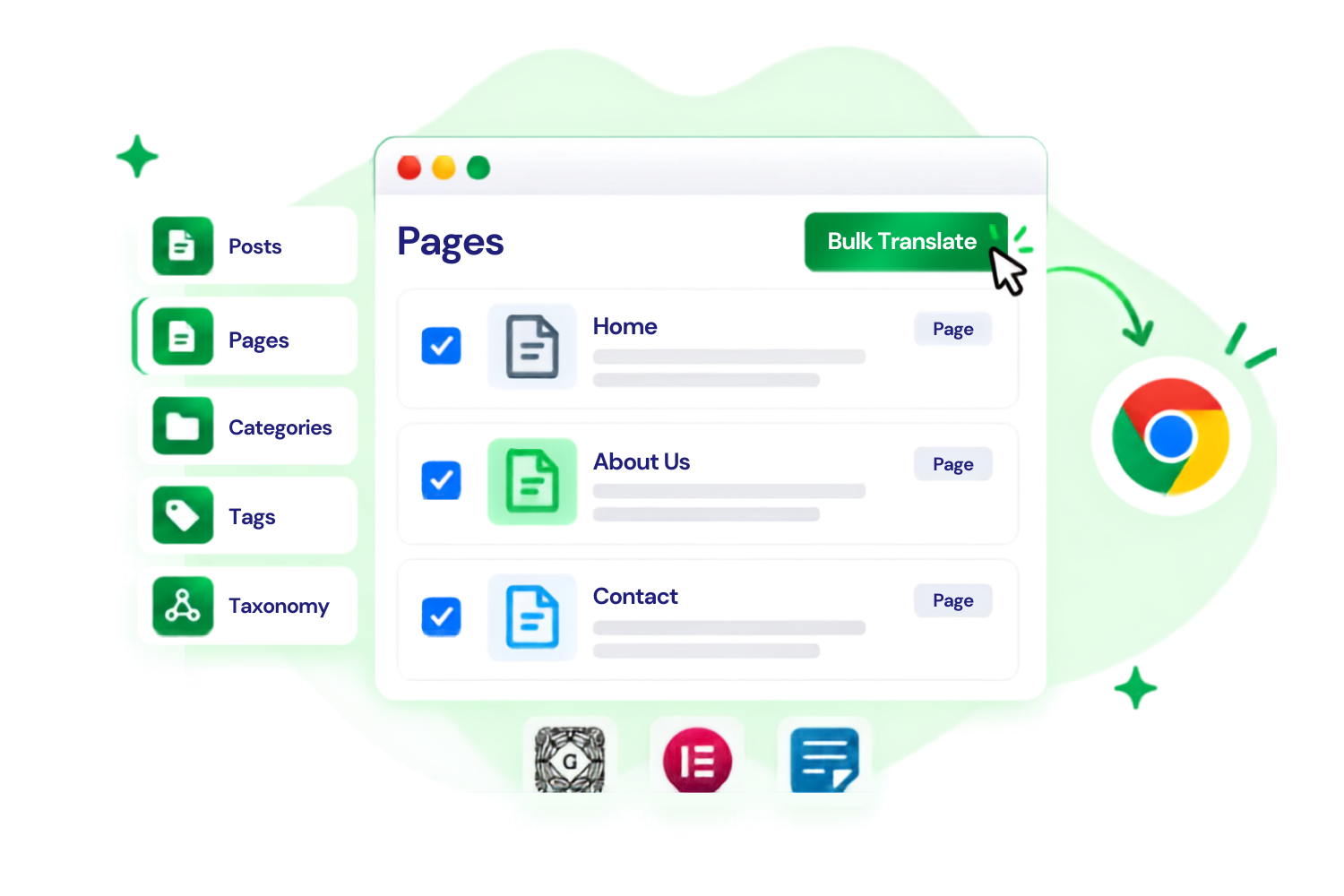
Traduci in blocco più articoli, pagine, categorie, tag e tassonomie supportate, anziché tradurli uno per uno.
Traduci i contenuti Elementor supportati preservando la struttura e il design della pagina.
Traduci i blocchi Gutenberg supportati mantenendo la struttura e il layout esistenti.

 Finora è l'unico plugin di traduzione (gratuito) che permette di tradurre in blocco, anche i prodotti Woo, e funziona piuttosto bene. Davvero un ottimo lavoro: fa risparmiare tempo!
 Mi piace molto la traduzione con l'AI di Chrome. Non serve una chiave API né un servizio aggiuntivo.
 Ha tradotto efficacemente le stringhe di Byddyboss / Buddypress in un secondo. Dopo aver passato ore a scaricare altri plugin e a cercare di reinventare la ruota! Grazie mille ☺️
 Non sapevo che Chrome potesse tradurre con l'AI integrata. Linguator ne semplifica l'uso in WordPress.
 Era proprio quello che mi serviva! Per fortuna esiste un plugin del genere: dovevo tradurre diverse etichette nel front-end, fantastico! Grazie a chi ha creato il plugin!
 Molto comodo. Una volta disponibili le risorse per la traduzione, posso tradurre senza configurare un altro servizio.

FAQ
Non trovi la risposta che cerchi? Il nostro team di supporto è pronto ad aiutarti.

Hai bisogno di aiuto? Contatta il nostro team: riceverai assistenza rapida e cordiale.
Chrome include una Translator API che utilizza modelli di traduzione gestiti dal browser per tradurre il testo localmente sui dispositivi desktop supportati. Linguator integra questa API nel proprio flusso di traduzione per WordPress.
No. Chrome Built-in AI non richiede la creazione di una chiave API per un servizio di traduzione esterno.
Sì. L’AI di Chrome Translator traduce lato client utilizzando modelli gestiti dal browser. Prima di iniziare la traduzione, è necessario scaricare i pacchetti linguistici richiesti.
No. L’amministratore di WordPress usa Chrome Built-in AI per generare la traduzione. Una volta salvati, i contenuti tradotti sono visibili ai visitatori anche in altri browser.
Sì. Chrome Built-in AI è disponibile nel flusso di Bulk Translation di Linguator per i contenuti supportati.
Sì. Il sistema di traduzione delle pagine di Linguator gestisce i contenuti supportati di Elementor e Gutenberg, traducendoli con l’AI integrata di Chrome.
Manage your preferences. Blocking some cookies may affect site features. You can find more information in our Cookie Policy and Privacy Policy.
Your browser is sending a Global Privacy Control signal, so advertising cookies stay off and that choice cannot be switched on here. Everything else is still yours to decide.
Essential cookies for site functionality, security, and your basic preferences. Always on.
| Cookie | Set by | Kept for |
|---|---|---|
cppb_consent
Stores the visitor's consent decision so the banner is only shown once.
|
CP Cookie Banner | configurable (default 365 days) |
Remember choices you make so the site works the way you expect.
| Cookie | Set by | Kept for |
|---|---|---|
cppt_banner_dismissed
Remembers that you closed the sale banner, so it stays closed on the other pages you visit and in other tabs. Cleared when you close your browser. Contains only the name of the sale it applies to, and no identifier.
|
Cool Plugins — CP Pricing Table | Session |
cppt_session
Marks the current browsing session, so that a visit arriving from another website is credited once per session rather than on every page view. Contains no identifier.
|
Cool Plugins — CP Pricing Table | Session |
lmat_language
Remembers the language the visitor chose, so the site opens in it next time.
|
Cool Plugins — Linguator | 1 year |
wp-settings-1
Stores user admin preferences.
|
WordPress core | 1 year |
wp-settings-time-1
Stores timestamp of WordPress admin preference change.
|
WordPress core | 1 year |
Google Analytics and Microsoft Clarity show us how visitors use the site, including recordings of clicks and scrolling, so we can fix what confuses people. Not used for advertising.
| Cookie | Set by | Kept for |
|---|---|---|
_clck
Persistent user identifier for session linking.
|
Microsoft Clarity | 1 year |
_clsk
Connects pageviews into a single session recording.
|
Microsoft Clarity | 1 day |
_ga
Distinguishes unique users.
|
Google Analytics | 2 years |
_ga_942V83ZG8Q
Persists session state per GA4 property.
|
Google Analytics 4 | 2 years |
Used to deliver and measure ads on this site and across the web.
| Cookie | Set by | Kept for |
|---|---|---|
_fbp
Identifies browsers for ad delivery and site analytics.
|
Meta (Facebook) Pixel | 90 days |
_gcl_au
Stores conversion linker information for Google Ads.
|
Google Ads | 90 days |
_rdt_uuid
Unique visitor identifier for Reddit ad attribution.
|
Reddit Pixel | 3 months |
_twpid
Identifies the browser to X so ad conversions can be attributed.
|
X (Twitter) Pixel | Session |
_twsid
Session identifier used by the X conversion pixel.
|
X (Twitter) Pixel | Session |