תרגום AI מובנה
תרגמו תוכן ב-WordPress באמצעות AI שמנוהל ישירות על ידי Chrome. Linguator מתחבר ל-Translator API המובנה ב-Chrome כדי ליצור תרגומים בלי להגדיר מפתח API חיצוני לתרגום.
הגדרה פשוטה
AI מובנה
Gutenberg, Elementor ו-Classic
בדיקה ועדכון
תהליך פשוט
גלו איך Linguator משתמש ביכולות התרגום המובנות של Chrome ישירות מלוח הבקרה של WordPress.
01
01
בחרו את השפה שאליה תרצו לתרגם את התוכן שלכם ב-WordPress.
02
02
בחרו ב-AI המובנה ב-Chrome כספק התרגום שלכם.
03
03
Chrome מעבד את התרגום באמצעות Translator API המקומי שלו. בדקו את הגרסה המתורגמת ועדכנו את התוכן כשתהיו מוכנים.
Hello → Hola
תכונות
AI מובנה
תאימות
תכונות
Linguator מציע יותר מיכולות ה-AI של Chrome. גלו כלים נוספים ליצירה ולניהול של תוכן רב-לשוני ב-WordPress.
תרגמו תוכן נתמך ב-WordPress באמצעות Google Translate בלי להגדיר מפתח API של Google Cloud.
השתמשו ב-Gemini AI לתרגום שמתחשב בהקשר ושומר טוב יותר על המשמעות, הטון והתוכן שסביב.
תרגמו תוכן נתמך ב-WordPress באמצעות יכולות התרגום המובנות ב-Microsoft Edge, ללא מפתח API חיצוני לתרגום.
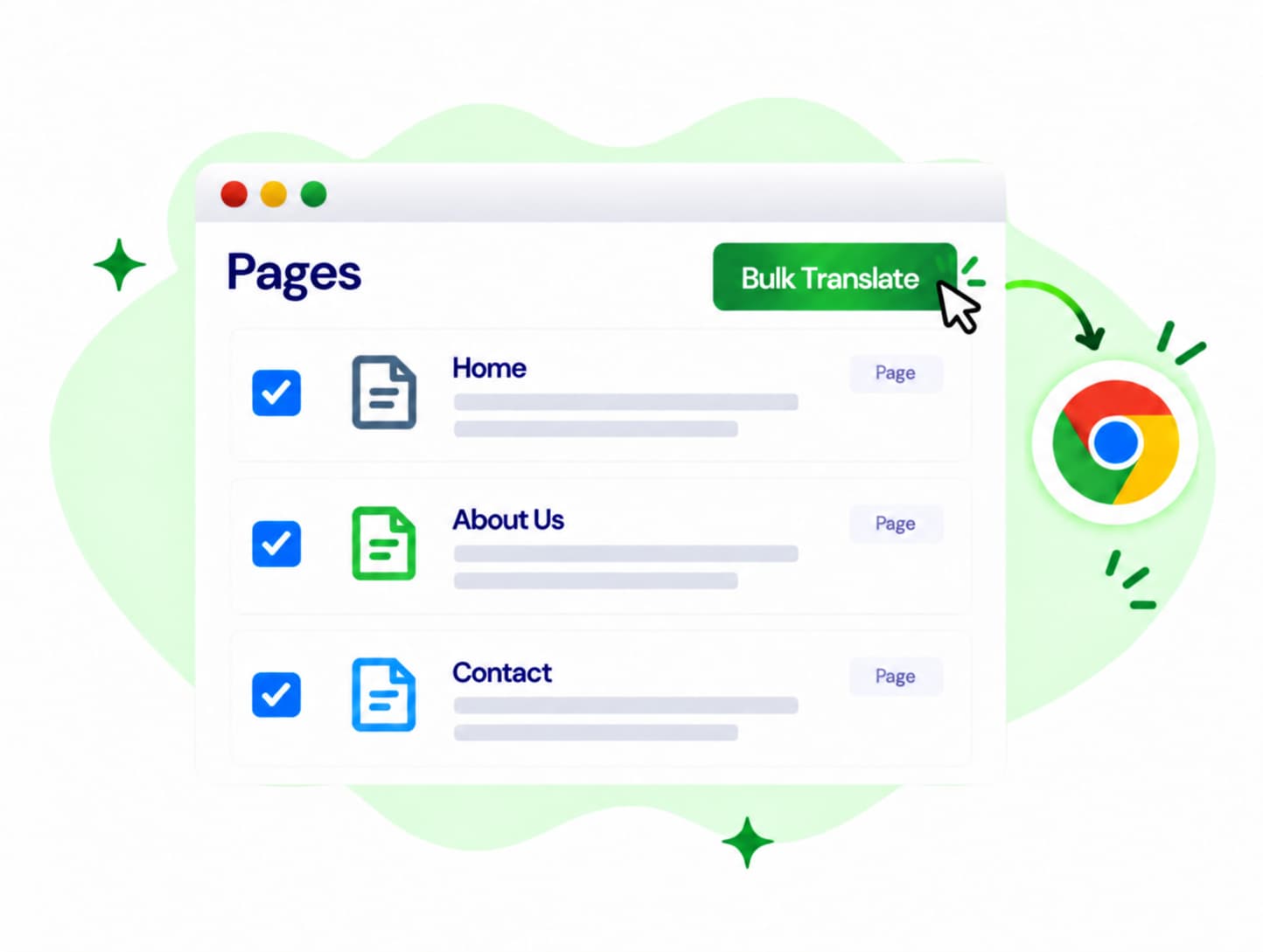
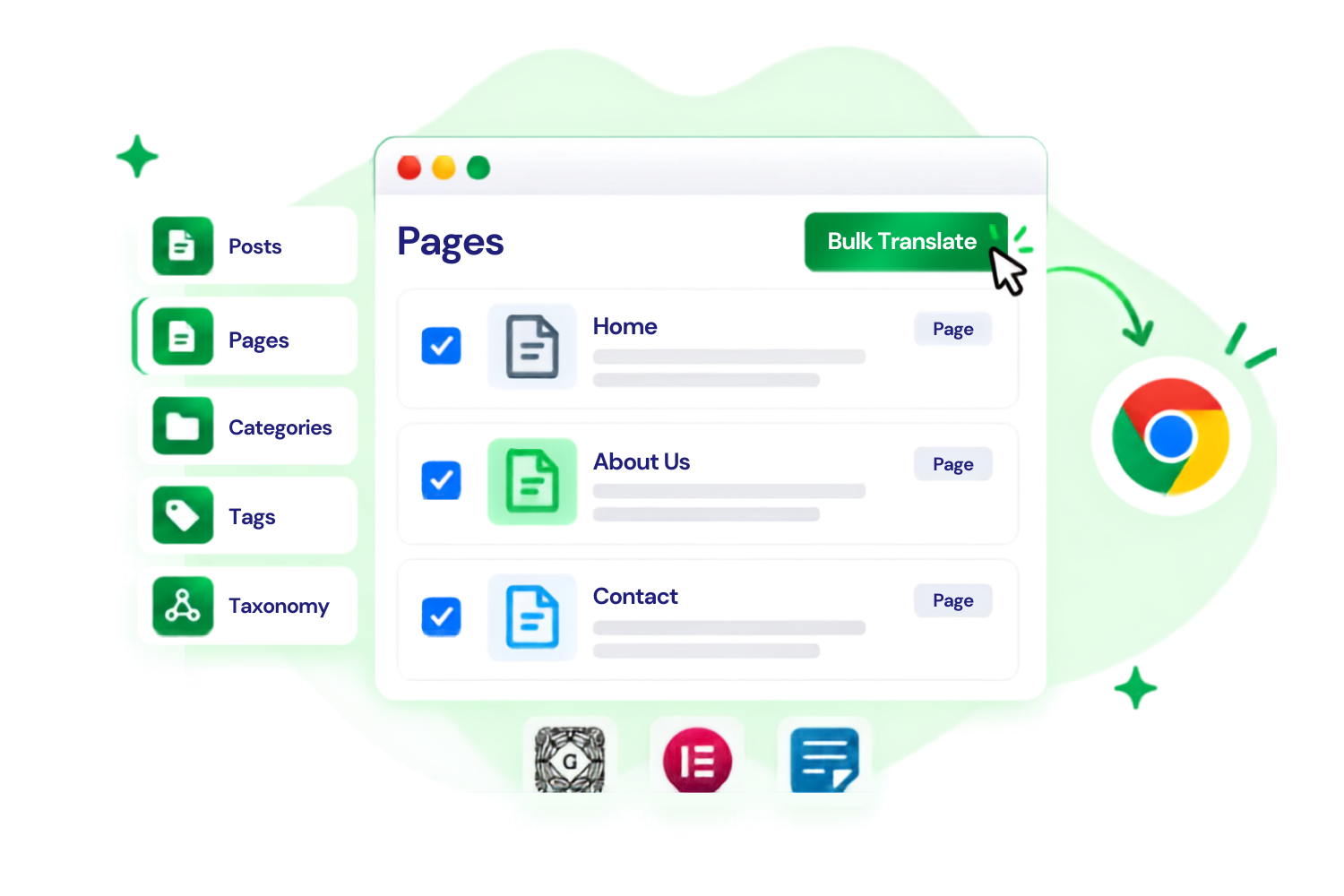
תרגמו כמה פוסטים, עמודים, קטגוריות, תגיות וטקסונומיות נתמכות בבת אחת, במקום לתרגם כל אחד בנפרד.
תרגמו תוכן נתמך ב-Elementor תוך שמירה על מבנה העמוד והעיצוב הקיימים.
תרגמו בלוקים נתמכים ב-Gutenberg תוך שמירה על מבנה הבלוקים והפריסה הקיימים.

 זהו תוסף התרגום היחיד (בחינם) שמצאתי עד כה שמאפשר תרגום בכמות גדולה, כולל מוצרי Woo, והוא עובד די טוב. עבודה נהדרת וחיסכון בזמן!
 אני ממש אוהב את התרגום באמצעות ה-AI של Chrome. לא צריך מפתח API או שירות נוסף.
 תרגם ביעילות מחרוזות של Byddyboss / Buddypress בשנייה. אחרי שביליתי שעות בהורדת תוספים אחרים ובניסיון להמציא את הגלגל מחדש! תודה רבה ☺️
 לא היה לי מושג ש-Chrome יכול לתרגם באמצעות AI מובנה. Linguator מאפשר להשתמש בזה בקלות ב-WordPress.
 זה בדיוק מה שהייתי צריך! מזל שקיים תוסף כזה – היה צורך לתרגם כמה תוויות בחזית האתר, מעולה! תודה ליוצרי התוסף!
 נוח מאוד. ברגע שמשאבי התרגום זמינים, אפשר לתרגם בלי להגדיר שירות נוסף.

שאלות נפוצות
לא מצאתם את התשובה שחיפשתם? צוות התמיכה שלנו מוכן לעזור.

נתקעתם? פנו לצוות שלנו לקבלת עזרה מהירה וידידותית.
Chrome כולל Translator API, שמשתמש במודלים של תרגום המנוהלים על ידי הדפדפן כדי לתרגם טקסט מקומית במחשבים נתמכים. Linguator מחבר את ה-API הזה לתהליך התרגום שלו ב-WordPress.
לא. ה-AI המובנה של Chrome אינו מחייב יצירת מפתח API לשירות תרגום חיצוני.
כן. ה-AI לתרגום של Chrome מבצע את התרגום בצד הלקוח באמצעות מודלים המנוהלים על ידי הדפדפן. תחילה יש להוריד את חבילות השפה הנדרשות כדי להתחיל בתרגום.
לא. מנהל האתר ב-WordPress משתמש ב-AI המובנה של Chrome כדי ליצור את התרגום. לאחר שמירת התוכן המתורגם, המבקרים יכולים לצפות בו גם בדפדפנים אחרים.
כן. ה-AI המובנה של Chrome זמין בתהליך התרגום בכמות גדולה של Linguator עבור תוכן נתמך.
כן. מערכת תרגום העמודים של Linguator מטפלת בתוכן נתמך של Elementor ו-Gutenberg ומתרגמת אותו באמצעות ה-AI המובנה של Chrome.
Manage your preferences. Blocking some cookies may affect site features. You can find more information in our Cookie Policy and Privacy Policy.
Your browser is sending a Global Privacy Control signal, so advertising cookies stay off and that choice cannot be switched on here. Everything else is still yours to decide.
Essential cookies for site functionality, security, and your basic preferences. Always on.
| Cookie | Set by | Kept for |
|---|---|---|
cppb_consent
Stores the visitor's consent decision so the banner is only shown once.
|
CP Cookie Banner | configurable (default 365 days) |
Remember choices you make so the site works the way you expect.
| Cookie | Set by | Kept for |
|---|---|---|
cppt_banner_dismissed
Remembers that you closed the sale banner, so it stays closed on the other pages you visit and in other tabs. Cleared when you close your browser. Contains only the name of the sale it applies to, and no identifier.
|
Cool Plugins — CP Pricing Table | Session |
cppt_buy_started
Remembers that you went to checkout during the current sale, so the prices on the page you left do not change behind you while you pay. Cleared when you close your browser. Contains only the name of the sale and which price was showing, and no identifier.
|
Cool Plugins — CP Pricing Table | Session |
cppt_offer
Remembers which sale offer you were shown during this visit, and whether its discount was applied, so the prices stay the same each time you reload a page instead of changing. Cleared when you close your browser. Contains no identifier.
|
Cool Plugins — CP Pricing Table | Session |
cppt_session
Marks the current browsing session, so that a visit arriving from another website is credited once per session rather than on every page view. Contains no identifier.
|
Cool Plugins — CP Pricing Table | Session |
lmat_language
Remembers the language the visitor chose, so the site opens in it next time.
|
Cool Plugins — Linguator | 1 year |
wp-settings-1
Stores user admin preferences.
|
WordPress core | 1 year |
wp-settings-time-1
Stores timestamp of WordPress admin preference change.
|
WordPress core | 1 year |
Google Analytics and Microsoft Clarity show us how visitors use the site, including recordings of clicks and scrolling, so we can fix what confuses people. Not used for advertising.
| Cookie | Set by | Kept for |
|---|---|---|
_clck
Persistent user identifier for session linking.
|
Microsoft Clarity | 1 year |
_clsk
Connects pageviews into a single session recording.
|
Microsoft Clarity | 1 day |
_ga
Distinguishes unique users.
|
Google Analytics | 2 years |
_ga_942V83ZG8Q
Persists session state per GA4 property.
|
Google Analytics 4 | 2 years |
Used to deliver and measure ads on this site and across the web.
| Cookie | Set by | Kept for |
|---|---|---|
_fbp
Identifies browsers for ad delivery and site analytics.
|
Meta (Facebook) Pixel | 90 days |
_gcl_au
Stores conversion linker information for Google Ads.
|
Google Ads | 90 days |
_rdt_uuid
Unique visitor identifier for Reddit ad attribution.
|
Reddit Pixel | 3 months |
_twpid
Identifies the browser to X so ad conversions can be attributed.
|
X (Twitter) Pixel | Session |
_twsid
Session identifier used by the X conversion pixel.
|
X (Twitter) Pixel | Session |