

AI TRANSLATION

Edge Built-in AI Translation

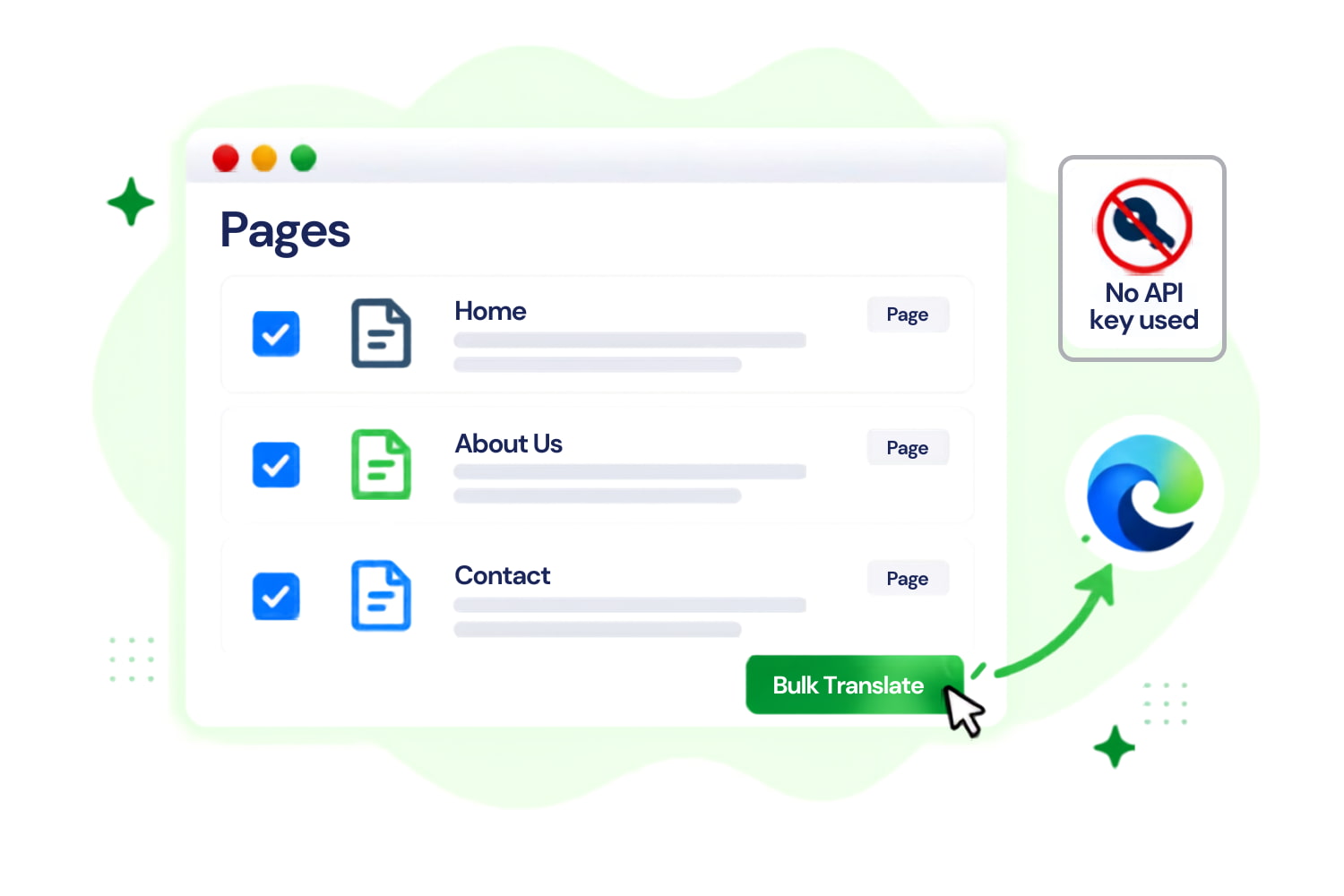
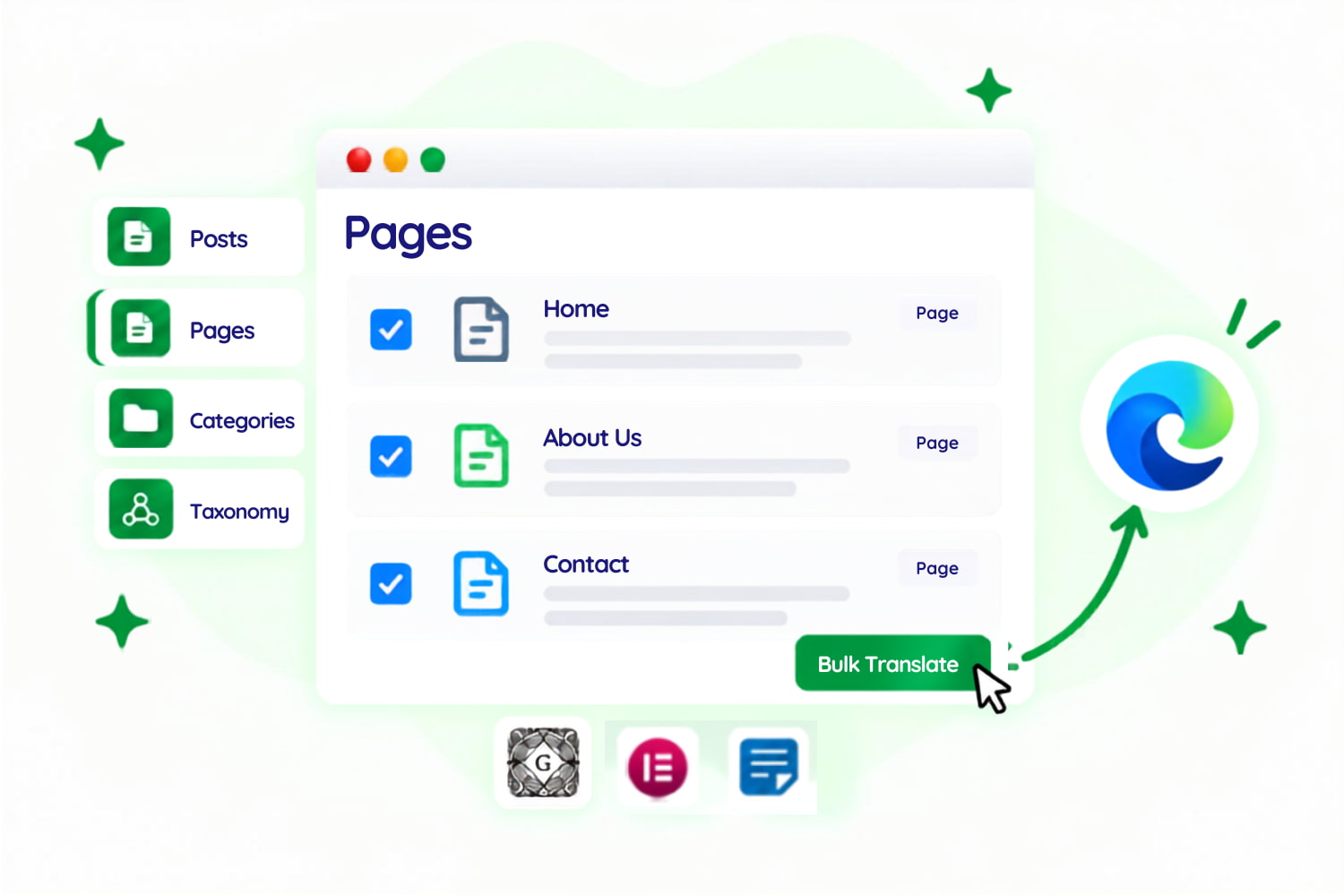
Translate WordPress content using Microsoft Edge’s built-in Translator API. Generate supported translations directly on your device without configuring an API key or relying on cloud translation.

On-Device

Local Translation

No API

Simple Setup

Editors

Gutenberg, Elementor & Classic

Full Control

Review & Update

Simple Process

How It Works

Experience how Linguator uses Edge built-in translation directly from your WordPress dashboard.

01

01

Choose Language

Select the language you want to translate your WordPress content into.

02

02

Select Edge AI

Choose Edge Built-in AI as your translation provider.

03

03

Translate & Review

Review the translated version and update the content when ready.

Hello → Hola

Features

Everything You Need for Edge AI Translation

AI Translation

Translate Locally in Edge

translate_locally_in_edge
supported_wordpress_content_edge

COMPATIBILITY

Supported WordPress Content

Real Feedback from Our Plugin Users

Real Feedback from Our Plugin Users

review-quote review-stars

This is what I needed! I was lucky that such a plugin existed – several labels on the front end needed to be translated, cool! Thanks to the creators of the plugin!

Evgeny
review-quote review-stars

i use edge regularly so being able to use its built in ai for translation was a nice option.

rafalmroz
review-quote review-stars

This is the only (free) translator plugin so far that does bulk, including Woo products, and works quite well. Really great work and a time saver!
@fosfolipid
review-quote review-stars

i already use microsoft edge so having the translation run through the browser was pretty convenient for me.

jsoares
review-quote review-stars

Translated effectively Byddyboss / Buddypress strings in a second. After spending hours downloading other plugins and trying to reinvent the wheel! Thank you so much ☺️
@korompilias
review-quote review-stars

i didnt want to deal with api keys for translation and linguator does that.

virzillo

FAQ

Frequently Asked Questions

Can’t find the answer you’re looking for? Our support team is ready to help.

We’re Known for Our Support!

Stuck somewhere? Reach out to our helpful team for fast and friendly assistance.

What is Edge Built-in AI Translation?

Microsoft Edge includes a Translator API powered by a task-specific translation model built into the browser. Linguator uses this capability as a translation provider for supported WordPress content.

No. Edge Built-in AI does not require you to configure a separate cloud translation API key.

For Edge’s built-in Translator API, Microsoft states that the input data does not leave the device during translation.

Yes. Linguator’s Edge Built-in AI provider is specifically designed to work with Microsoft Edge browser.

Yes. Edge AI can be selected as the translation provider within Linguator’s supported page-translation workflows for supported Elementor and Gutenberg content.

No. Availability depends on whether Edge supports the selected source-to-target language pair or not. Linguator checks this before translation starts.